Skip to content


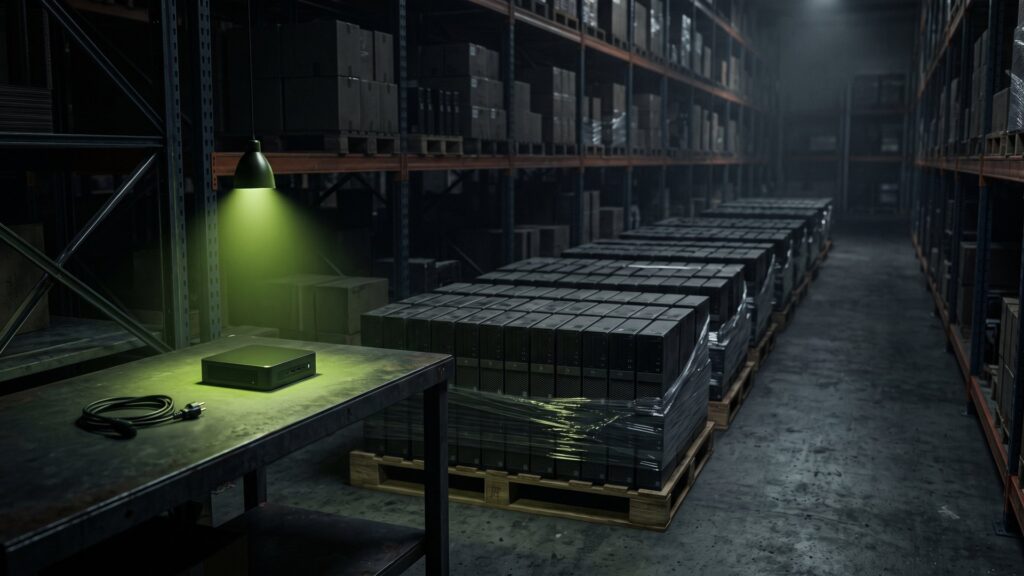
The end of Windows 10 has triggered a large device changeover in many companies. New computers have been ordered, the old ones sit in basements, storerooms and meeting rooms. This is exactly where it is decided whether retired hardware causes costs or brings money back. This guide shows how to sell used PCs without taking on data risk – and why even computers without Windows 11 eligibility are not automatically worthless.
The most important in a nutshell
- Since October 14, 2025, there have been no more free security updates for Windows 10. Companies can only extend for a fee.
- Used business PCs, workstations and mini PCs often still have a market value – especially if they meet the Windows 11 requirements.
- The value drops with every month in storage. Anyone who sells early usually achieves more.
- Before the sale, all data carriers must be erased in a certified process or destroyed, with proof per serial number.
What the end of Windows 10 means for your computers
Microsoft ended regular support for Windows 10 on October 14, 2025. Since then, computers running Windows 10 no longer receive free security updates. For companies there is the "Extended Security Updates" (ESU) program: it extends security updates for a fee by up to three years, i.e. at most until October 2028. The price per device rises from year to year (source: Microsoft, lifecycle information for Windows 10).
For the head of IT this is a clear calculation: every computer that continues to run Windows 10 either costs ESU fees or is a security risk. Computers that do not support Windows 11 are therefore being replaced in many companies. And the computers that have already been replaced should not sit in storage longer than necessary.
Which PCs support Windows 11
For Windows 11, Microsoft specifies, among others, these minimum requirements:
| Component | Requirement for Windows 11 |
|---|---|
| Processor | 64-bit, at least 2 cores and 1 GHz, on Microsoft's list of compatible processors (essentially Intel from the 8th Core generation, AMD from Ryzen 2000) |
| Memory | at least 4 GB |
| Storage | at least 64 GB |
| Firmware | UEFI with Secure Boot |
| Security chip | Trusted Platform Module (TPM) 2.0 |
| Graphics | compatible with DirectX 12 |
Source: Microsoft, system requirements for Windows 11. In practice this means: business PCs of recent years usually meet these values. Older computers often fail because of the processor or the missing TPM 2.0.
A PC without Windows 11 eligibility is retired for your company – but not necessarily worthless for the market.
What still makes used PCs valuable
Used company computers are sought by many buyers: small businesses, schools, associations, self-employed people and private customers. Computers that do not support Windows 11 can keep running with other operating systems or serve as spare-parts donors. Their market value is lower, but often not zero.
| Factor | Effect on the price |
|---|---|
| Processor generation | Most important factor. Windows 11-capable devices are in much higher demand. |
| Form factor | Mini PCs and compact cases are popular, as are workstations with professional graphics. |
| RAM and SSD | Good specifications increase the value. If drives were destroyed, it drops. |
| Condition | Clean cases without sticker residue and damage bring more. |
| Quantity and uniformity | Larger lots with identical specifications are easier to market. |
| Blocking | BIOS passwords or active management functions greatly reduce the value. |
| Accessories | Power adapters for mini PCs, monitors and docking stations increase the value of the lot. |
Second IT values your inventory on the basis of a database-supported price assessment with current market data. The basis is an inventory analysis and market valuation of your devices. If you are replacing notebooks at the same time, you will find in our guide how to sell laptops and smartphones in a data protection-compliant way.
Desktop, mini PC, workstation, thin client: what is in demand
"Used PC" is a broad term. For remarketing, the form factor makes a big difference:
| Form factor | Typical buyers | What matters |
|---|---|---|
| Business desktop (tower, small form factor) | Offices, schools, associations, private customers | Processor generation, SSD, RAM |
| Mini PC | Workplaces with little space, point-of-sale systems, digital signage | Power adapter included, Windows 11 capability |
| Workstation | Engineering, graphics, development | Professional graphics card, lots of RAM, processor |
| Thin Client | Companies with central desktop infrastructure | Model, support by the management software |
| All-in-One | Reception, meeting rooms, private customers | Display condition, camera, specifications |
A practical tip: do not remove components before the sale in order to remarket them separately. Complete devices with RAM and drive usually achieve a better price than stripped cases. The exception is data carriers whose destruction your policies strictly require.
Why waiting gets expensive
After a major operating system changeover, many devices of the same kind hit the used market at once. The longer your computers sit in storage, the older they are compared with the supply. On top of that come internal costs:
- storage space that could be used differently,
- inventory management, insurance and access protection for devices containing data,
- the risk that individual computers disappear or are passed on uncontrolled.
In terms of accounting, many of these computers have long been written off. The book value is zero, the market value often is not. More on this in our article on the residual value of written-off devices.
Retiring devices also involves accounting: here is how to document the disposal of retired PCs.
Data protection: erase first, then sell
There is data on every workstation computer: local documents, cached emails, browser data, credentials, often also copies from network drives. A formatted drive or a freshly installed Windows is not enough. The data can be recovered with simple tools.
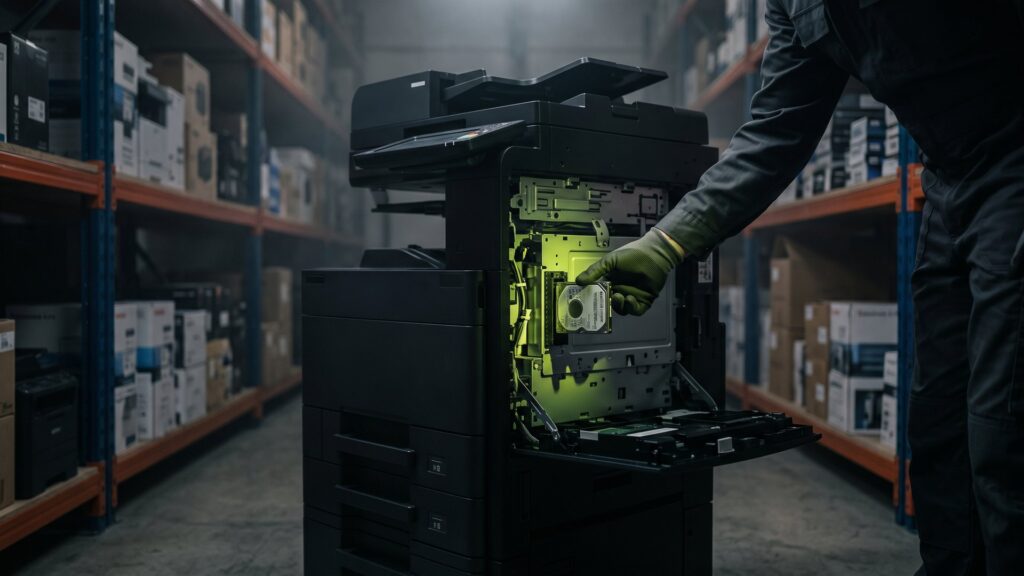
At Second IT, the drives are erased with Blancco Drive Eraser in a certified process. The software also detects hidden areas such as HPA and DCO as well as remapped sectors and creates a digitally signed erasure certificate for each device. Drives that cannot be erased securely are destroyed in-house in accordance with DIN 66399, certified for security level H-5.
Do not forget the data carriers that are not inside the case: USB sticks in drawers, external hard drives for backups and memory cards. At Second IT, delivered devices are specifically checked for such media.
Removing markings
Inventory stickers, asset tags and hostname labels reveal where a computer comes from. Before devices reach the market, Second IT removes all markings that could point to your company. This way the origin of the hardware cannot be traced back to you.
How the sale works
- Create list: Manufacturer, model, processor, RAM, drive, condition and quantity. An Excel list from your inventory management is enough.
- Request an offer: At Second IT, you can get it in an average of 48 hours.
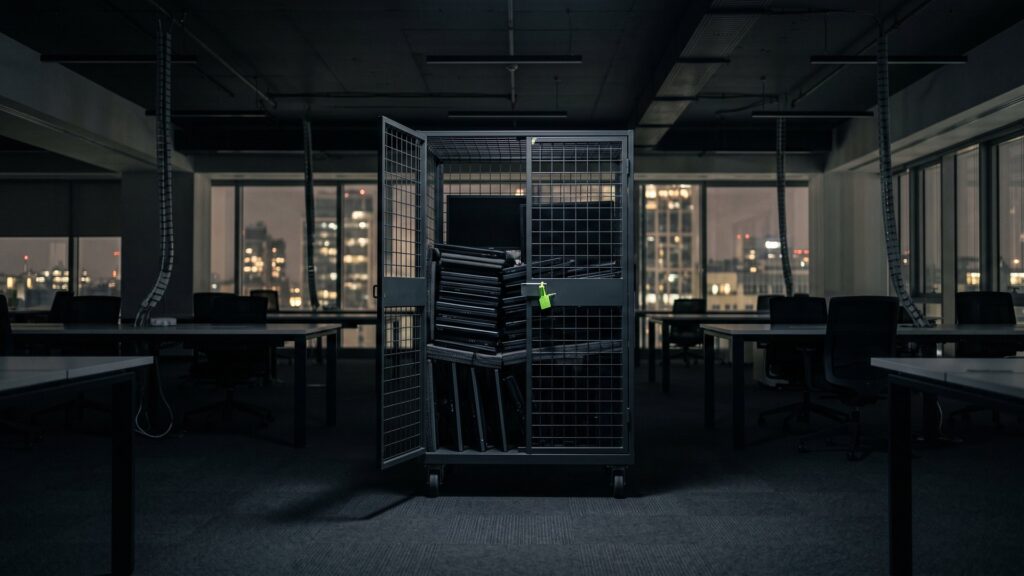
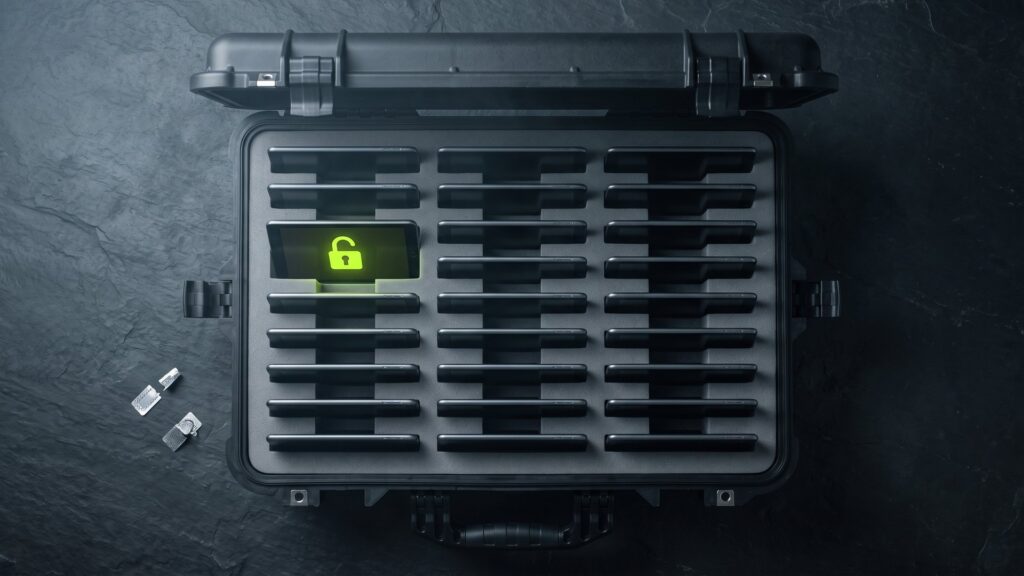
- Plan pickup: With our own secure logistics – direct trip without intermediate storage, GPS-monitored, sealed and insured. For smaller quantities, lockable rolling carts are available.
- Recording: Each device is registered by serial number. You can see the status in the customer portal.
- Deletion or destruction: Certified, with proof per device.
- Refurbishment and remarketing: Computers are inspected, cleaned and, if necessary, upgraded.
- Conclusion: You receive erasure certificates, audit report and, where applicable, disposal records.
What happens to the computers afterwards
Functional devices are professionally refurbished: inspected, cleaned, if necessary fitted with more RAM or a new SSD and provided with a current operating system. According to its own information, Second IT has already refurbished more than 180,000 devices. They then go into a second life via the online shop or the store.
Computers without market value are dismantled. Usable components such as RAM, power adapters and processors are used as spare parts, and the rest is recycled properly in accordance with the German Circular Economy Act.
Checklist for the PC replacement
- Have all old devices been removed from inventory, software distribution and license management?
- Has local data that must be retained been backed up?
- Have BIOS passwords been removed or made known to the service provider?
- Have monitors, docking stations and power adapters been recorded as well?
- Are there devices with special protection needs, for example from HR or development, that should be destroyed rather than erased?
- Is there a data processing agreement?
- Who ultimately checks the certificates against the inventory list?
Employee sales as a supplement
Some companies would like to offer retired computers to their employees. This is possible but requires the same care: even a computer that goes to a colleague must be erased in a certified process beforehand. In addition to buyback, Second IT also supports employee sales. Please clarify tax questions about discounted sales to employees with your tax advisor.
More on the topic: Why old laptops could solve liquidity problems and IT Lifecycle Management - Strategic consulting for sustainable IT processes.
Frequently asked questions about selling used PCs
Can I sell PCs that do not support Windows 11?
Yes, in many cases. Such computers have a lower market value but can continue to be used with other operating systems or serve as spare-parts donors. How much they still bring in depends on model, specifications and quantity. A device list is the basis for a specific offer.
Do I have to erase the hard drives myself before the sale?
No, the service provider can take care of that. What matters is that the erasure is certified and that you receive proof with serial number for each device. Formatting or reinstalling is not enough. Drives that cannot be erased securely should be destroyed.
From what quantity is a buyback worthwhile?
Larger, uniform lots are easiest to market. But smaller quantities, for example from a branch, can also be remarketed sensibly. For smaller quantities there are lockable rolling carts that are picked up by freight forwarder. It is best to send a list and have an offer made.
What happens to computers that no longer have any market value?
They are dismantled. Usable components are used as spare parts, and the rest is recycled properly in accordance with the German Circular Economy Act. The data carriers are erased or destroyed beforehand. In this case too, you receive documentation for your records.
PC replacement complete? Turn the old devices into proceeds – with erasure proof.
Send us your device list. You will receive your offer in 48 hours on average.