Skip to content


Tablets sind in vielen Unternehmen Arbeitsgerät für den Außendienst, das Lager, die Pflege oder den Verkauf. Werden sie ersetzt, liegen schnell Dutzende oder Hunderte Geräte in Kartons. Ihr Restwert hängt dabei weniger vom Alter ab als von einer unscheinbaren Frage: Sind die Geräte noch an Ihr Unternehmen gebunden? Dieser Leitfaden zeigt, wie Sie Tablets verkaufen, Sperren rechtzeitig lösen und Daten nachweisbar entfernen.
The most important in a nutshell
- Company tablets are often tied to the company through Mobile Device Management (MDM) and manufacturer programs such as Apple Business Manager.
- If this link remains, the tablet registers with your management system again after being reset. It is then barely usable for buyers.
- Activation Lock (Apple) and Factory Reset Protection (Android) must be removed before handover.
- Only then follows the certified erasure with a certificate per device – and the sale.
Why locked tablets are worth hardly anything
A tablet from company inventory has three possible locks. Any of them can block resale:
| Lockdown | What it does | Who can remove it |
|---|---|---|
| MDM profile | The device is managed centrally, settings and apps are predefined. | Your IT administration in the MDM console |
| Automatic device enrollment (e.g., Apple Business Manager, Android Zero-Touch) | After every reset, the device automatically registers with your MDM solution again. | The person with administrator rights in the respective manufacturer portal |
| Activation Lock or Factory Reset Protection | After a reset, the device asks for the credentials of the last signed-in account. | The user, or IT via MDM functions |
Automatic enrollment is the trickiest lock. It is practical for companies because new devices are set up without manual work. When selling, it becomes a problem: a buyer resets the tablet – and instead of the home screen sees your company's sign-in. For them, the device is only useful as a source of spare parts.
Rule of thumb: A tablet is only sellable when it no longer belongs to anyone – neither a person nor your device management.
Releasing iPads from Apple Business Manager
Many companies buy iPads through authorized resellers who enroll the devices directly in Apple Business Manager. Schools and school authorities use Apple School Manager for this. Three steps are necessary before sale:
- Remove from the MDM solution: Unenroll and delete the device in the MDM console.
- Release from Apple Business Manager: An administrator releases the device from the organization. Only then does automatic enrollment end.
- Remove Activation Lock: "Find My" must be deactivated. For supervised devices, the MDM solution can often lift the lock using a bypass code.
Caution: Releasing a device from Apple Business Manager cannot easily be undone. Therefore only release devices that are really leaving the company. A list of serial numbers prevents mix-ups.
Android tablets: Zero-Touch and account lock
Android tablets have similar mechanisms. Through Android Zero-Touch or manufacturer programs such as Samsung Knox Mobile Enrollment, devices are automatically assigned to a management system. In addition, Factory Reset Protection protects the device after a reset using the last signed-in Google account.
- Remove the device from automatic enrollment in the respective portal.
- Remove Google accounts from the device before resetting.
- Delete the device from the MDM solution.
Many of these steps apply equally to smartphones. Our article on the topic retiring company phones describes them in detail.
Key terms explained briefly
| Term | Significance |
|---|---|
| Mobile Device Management (MDM) | Software that companies use to set up, manage, lock, and erase smartphones and tablets centrally. |
| Apple Business Manager / Apple School Manager | Apple web portals through which companies or schools assign their devices to an MDM solution. |
| Automatic device enrollment | During initial setup, the device registers itself with the company's MDM solution, even after a reset. |
| Activation Lock | Apple theft protection: After a reset, the credentials of the last linked account are required. |
| Factory Reset Protection (FRP) | Equivalent protection on Android: After a reset, the last signed-in Google account is required. |
Special case: schools and public institutions
In recent years, many school authorities have procured large quantities of iPads and other tablets, often managed through Apple School Manager. When these devices are replaced, the same steps apply as in a company: unenroll from the MDM solution, release from the manufacturer portal, remove Activation Lock, erase in a certified manner. In addition, there are the budget-law requirements for decommissioning. Because school tablets often hold data of children and young people, an erasure certificate for each device is especially important here. Plan the release from the portal early, because the rights to do so often lie with a central media center or with the school authority's IT service provider.
What makes a used company tablet valuable
| Factor | Effect on the price |
|---|---|
| Model and generation | The newer, the more in demand. Devices with current software updates are worth significantly more. |
| Storage and cellular | More storage and a cellular module increase the value. |
| Display and housing | Cracks and dents reduce the value but can often be repaired. |
| Battery | A weak battery lowers the price but can be replaced. |
| Freedom from locks | Crucial: Locked devices lose most of their value. |
| Accessories | Keyboard covers, pens, and chargers add value to a lot. |
| Quantity | Larger, uniform lots are easier to market. |
Minor damage is no reason to dispose of a tablet. At Second IT, display and housing repair is part of refurbishment. Replacing defective components with tested spare parts increases the resale value.
Erasing data verifiably
A factory reset removes the data from the user's point of view. For your company, however, the proof is missing: Which device was erased when and with which method? This is exactly the proof that the accountability obligation under Art. 5(2) GDPR requires if it comes to it.
For mobile devices, Second IT uses Blancco Mobile Diagnostics & Erasure. The software tests the devices and erases them in a certified manner. For every device you receive a digitally signed erasure certificate with the serial number. More on certified data deletion.
Also think of memory cards that are inserted in some Android tablets, and SIM cards in devices with cellular. Memory cards are erased or destroyed separately, SIM cards are deactivated with the mobile provider.
Secure shipping of large quantities
Tablets are light and valuable – so they are popular loot for thieves. For shipping to Second IT, several routes are therefore available:
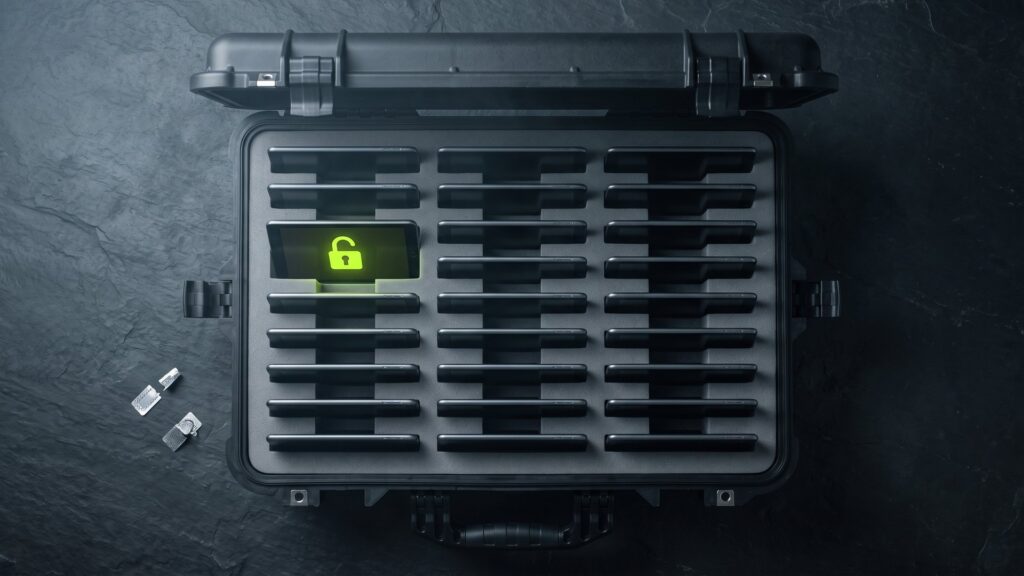
- PELI Cases: shock-resistant, waterproof transport cases with two high-security seals per ISO 17712, up to 31 kg total weight, shipped via DHL. The PELI Cases for mobile devices are designed precisely for tablets and smartphones.
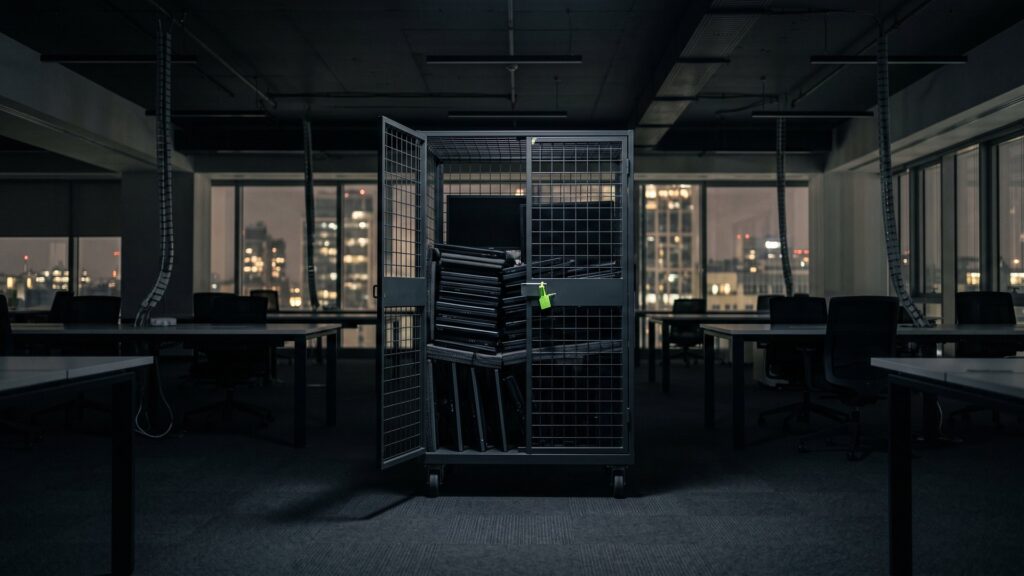
- Rolling cart: lockable, up to 750 kg load capacity, freight pickup.
- Direct pickup: mit eigener Sicherheitslogistik – ohne Zwischenlager, GPS-überwacht, verplombt und versichert.
Record the devices in a contents list before shipping. This allows every serial number to be reconciled on receipt.
Process: how to sell company tablets
- Create list: Model, storage, cellular yes or no, condition, accessories, and quantity.
- Request an offer: At Second IT you receive it in 48 hours on average. Your contact for tablet buyback is the remarketing team.
- Blocking is lifted: MDM, automatic enrollment, and Activation Lock or account lock.
- Shipping or pickup: PELI Case, trolley, or direct pickup.
- Registration and erasure: Registration by serial number, certified erasure, status in the customer portal.
- Refurbishment and remarketing: Cleaning, repair, functional testing, remarketing.
- Evidence: Erasure certificates for each device and a final report for your records.
Typical mistakes when selling tablets
- Devices are reset but not released from Apple Business Manager or the Zero-Touch portal.
- Employees hand in tablets without signing out of their personal account.
- Chargers, pens, and covers are disposed of separately, although they add value to the lot.
- Tablets from different departments are collected without a shared list.
- Defective devices end up in electronic waste although a repair would have been worthwhile.
If you collect smartphones as well as tablets, you will find further tips in the guide on how to hand in old phones securely.
To make sure tablets do not come back locked in the first place, a clear offboarding checklist for IT hardware.
More on the topic: Smartphone recycling & cell phone recycling - Environmentally friendly IT disposal at Second IT and Returning a leased device to IT: Returning, replacing, or selling it?.
Frequently asked questions about selling company tablets
How do I remove an iPad from MDM?
First, unenroll the iPad in your MDM console. If it was registered through Apple Business Manager or Apple School Manager, an administrator must also release it from the organization there. Otherwise it will register with your management system again after being reset. Finally, Activation Lock must be removed.
Can I sell iPads with Activation Lock active?
Practically not. Without the credentials of the linked account, the device cannot be set up again. It is then usually only good as a source of spare parts, and its value drops sharply. For supervised devices, your MDM solution can often lift the lock. Clarify this before handover.
Is a factory reset enough as data erasure?
For the user, the data is gone afterwards. For your company, however, proof of which device was erased when and how is missing. A certified erasure produces a report per serial number. This allows you to demonstrate in audits that the data was removed.
Is it worth selling tablets with display damage?
Often yes. Displays and housings can be repaired with tested spare parts, after which the device can be marketed again. Whether the repair pays off depends on the model. For devices that are no longer worth it, usable parts are recovered as spare parts and the rest is recycled properly.
Tablets in storage? We take care of the rest – from shipping to the erasure certificate.
Send us your device list. You will receive your offer in 48 hours on average.