Skip to content


For IT, an office move is always also an inventory. Suddenly it becomes visible how many computers, monitors, printers and boxes of cables have accumulated over the years – and how much of it nobody needs at the new site. An IT move is therefore the best opportunity to get old devices out of the house securely and with proceeds instead of moving them along. This checklist shows how to plan the move, protect data and remarket the part of the hardware that does not come along.
The most important in a nutshell
- An IT move needs its own plan with inventory, schedule, data backup and clear responsibilities.
- Every device that is no longer needed should be sorted out before the move. Moving costs money, and so does storing.
- Devices with data carriers are a data protection risk in transit. Sealed, documented transports are mandatory.
- Sorted-out hardware can be sold. The prerequisites are a list and certified erasure.
Why an IT move is different from a furniture move
A desk is either at the new site or it is not. With IT it is different: a server can arrive and still not start. A notebook can disappear without anyone noticing. And a box of old hard drives can become a data protection incident on the way. An IT move therefore needs three things that an ordinary move does not need:
- a complete list of all devices with serial numbers,
- a data backup before dismantling,
- a transport in which it is clear at all times where which device is.
The General Data Protection Regulation requires in Art. 32 appropriate technical and organizational measures to protect personal data. This applies in the server room just as much as in the moving van.
Rule of thumb: do not move hardware that you will no longer connect at the new site.
The IT move checklist
Twelve to eight weeks before
- Appoint a person responsible for the IT part.
- Create inventory: device type, manufacturer, model, serial number, location, condition, ownership (purchase, leasing, rental).
- Decide for each device: moves along, is replaced or is retired.
- Clarify network, internet connection and power supply at the new site. Lines often have long lead times.
- Obtain an offer for the remarketing of retired devices.
Six to four weeks before
- Create a moving plan with sequence: what is dismantled last, what is set up first?
- Plan the server move or migration, set and communicate maintenance windows.
- Schedule pickup of the retired hardware before the actual move.
- Review contracts: leasing returns, maintenance contracts, rented devices.
In the week of the move
- Create a complete data backup and check whether it can be restored.
- Label devices, assign cables and accessories to the devices.
- Transport sealed and documented, with a handover record.
- Check serial numbers against the list when unloading.
Afterwards
- Functional test of all systems at the new site.
- Update inventory: new locations, devices written off.
- File erasure and destruction records for the retired devices.
- Check the old site for forgotten devices and data carriers before handing back the keys.
Who handles what in an IT move
| Role | Task |
|---|---|
| IT management | Overall plan, inventory, network at the new site, approval of the sorting out |
| System administration | Data backup, dismantling and setup of servers and network |
| Data protection | Review of transport routes, erasure concept for retired devices |
| Facility management | Schedule, access, loading zones, elevators |
| Moving service provider | Transport of the devices that continue to be used |
| IT remarketer | Pickup, erasure, destruction and remarketing of the retired devices |
The more clearly these roles are assigned, the lower the risk that devices get lost between two areas of responsibility.
Clearing out before the move: what does not come along
In almost every company there are devices that are only still there out of habit: spare computers from three generations ago, monitors with old connectors, printers without drivers for the current operating system, servers whose services moved to the cloud long ago. Each of these devices costs time and space during a move.
| Device | Question before the move | If no |
|---|---|---|
| Notebooks and PCs | Will they be used at the new site? | Erase and sell |
| Monitors | Do connectors and size fit the new workplace concept? | Sell or remarket properly |
| Servers and storage | Do they still run services that are needed? | Migrate data, erase or destroy drives, remarket hardware |
| Networking equipment | Will it be used in the new network? | Back up and remove the configuration, remarket |
| Printers and multifunction devices | Purchased, leased or rented? | Erase storage, return or remarket |
| Boxes with old parts | Does anyone know what is in them? | Have them checked for data carriers, then remarket |
How much value can be hidden in such inventories is shown by our article Clean up the server room and fill the till. For Second IT, the inventory analysis before the move is part of the consulting: which devices still have a market value, which go to spare-parts recovery, which to recycling?
If a site is closed completely, read how to remarket IT during a business closure.
Server move: relocate or replace?
Servers are the biggest risk during a move. They are heavy, sensitive and hold most of the data. Before you transport a server, it is worth asking whether it is still needed at the new site at all. If a migration is due anyway, the move is a good time to replace old hardware. Why retired servers often still find buyers is described in our article Servers don't die.
If a server is retired: first migrate and back up data, then erase or destroy every data carrier in a certified process. This also includes boot media, cache SSDs and backup tapes.
Protecting data in transit
Whether a device moves along or is retired: as long as data is on it, the transport must be controlled. For retired hardware, at Second IT this is handled by our own Security logistics: direct trip without intermediate storage, GPS monitoring, tamper-proof sealing and insured transport. Each device is recorded by serial number upon receipt and can be traced in the customer portal.
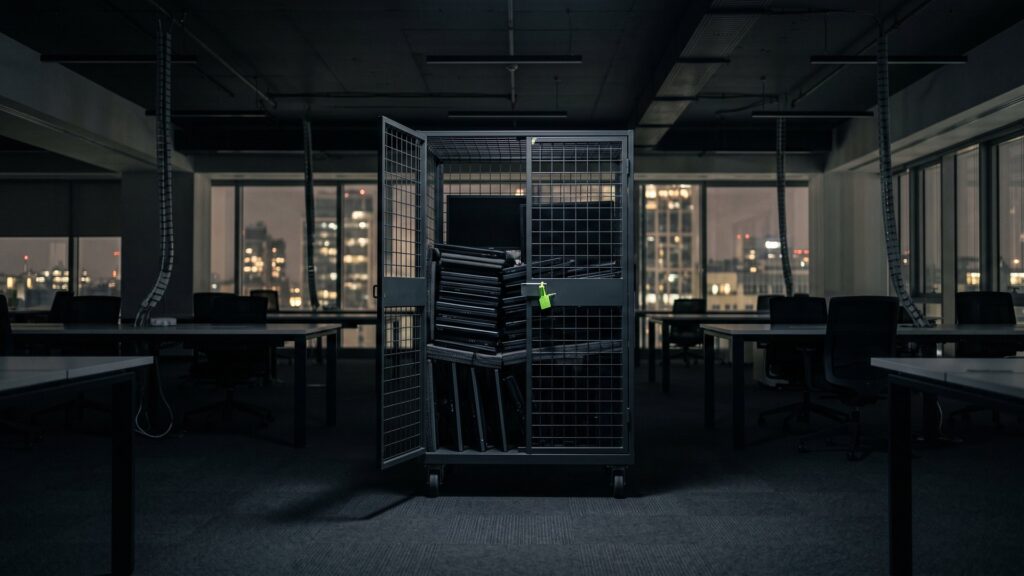
For smaller quantities, for example from a single floor or a secondary site, there are lockable rolling carts with a load capacity of up to 750 kg. They are delivered, filled and sealed by you and picked up by freight forwarder.
Important: Second IT does not take over the move of your continued-use IT to the new site, but the pickup, erasure and remarketing of the devices that do not move along. Plan the two transports separately and pick up the old devices if possible before the actual move.
Finding forgotten data carriers
During moves, data carriers turn up in places nobody had thought of: USB sticks in desk drawers, external hard drives in the cabinet, DVDs with old backups, memory cards in cameras. At Second IT, all delivered devices are specifically checked for such media. More on the check for hidden data carriers.
A practical tip: during the weeks of the move, place a locked collection container for data carriers on every floor. This way, media that are found do not end up in the wastepaper basket.
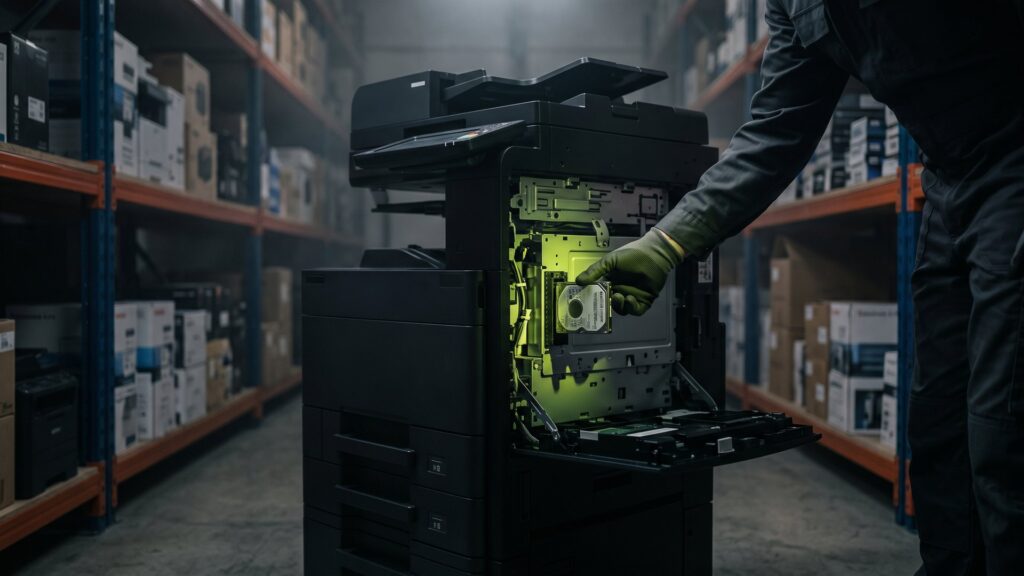
Also check devices that one does not immediately associate with data: multifunction printers and copiers with an internal hard drive, telephone systems, video conferencing systems, access control systems and network storage. They too can contain address books, logs or recordings. If these devices do not move along, they belong on the list for certified erasure or destruction.
How to cut the costs of an IT move
The costs of a move depend heavily on how much has to be transported, set up and configured. The biggest levers therefore lie before the move:
- Move less: Every device that is remarketed beforehand saves packaging, transport, setup and storage space at the new site.
- Offset proceeds: Selling retired hardware brings money back that can flow into new equipment.
- Order early: Network and internet connections with long lead times prevent expensive interim solutions.
- Clear labeling: Clearly labeled devices and cables shorten the setup.
- No intermediate storage: Devices that neither move along nor are remarketed often end up in expensive storage space. Decide beforehand.
Many companies also use the move to standardize their device inventory. Fewer different models mean fewer spare parts, fewer drivers and simpler management.
What the IT move has to do with the life cycle
A move is a natural turning point in the life cycle of hardware. Anyone who uses it to consistently remarket old devices starts at the new site with a lean, current inventory. What a well-thought-out hardware life cycle looks like is described by our practical case study on the hardware life cycle.
More on the topic: Selling used servers: First the data, then the money and Extreme tech recycling: the most incredible finds from our experts.
Frequently asked questions about the IT move
How long in advance should an IT move be planned?
For a mid-sized office, eight to twelve weeks is a good guideline. Internet and network connections at the new site often have the longest lead time. Inventory, sorting out and the pickup of retired devices should be done in the first weeks so that the actual move stays lean.
What do I do with old hardware during an office move?
Everything that is not needed at the new site should be sorted out before the move. Devices with market value can be sold after certified erasure. Devices without market value are recycled properly. In both cases you should receive proof per serial number.
Do I have to erase hard drives before the move?
Devices that move along are not erased but backed up and transported sealed. Devices that are retired, on the other hand, should be erased in a certified process or destroyed before they are sold or disposed of. A complete data backup before dismantling is mandatory in every case.
Does Second IT handle the complete IT move?
No. Second IT handles the part that does not move along: pickup with its own secure logistics, certified erasure or destruction and remarketing of the retired devices. For the transport of your continued-use IT to the new site, you commission a moving or IT services company.
Move planned? Have the old devices picked up beforehand – erased, remarketed and documented.
Send us your list of the devices that do not move along. You will receive your offer in 48 hours on average.