Skip to content


When employees leave the company, HR thinks of the reference letter, remaining vacation, and keys. IT thinks of accounts and licenses. And the hardware? Laptop, company phone, tablet, headset, and docking station are often in the home office – sometimes hundreds of kilometers away. This offboarding checklist shows how to retrieve IT hardware completely, securely, and with documentation, and what should happen to the devices afterwards.
The most important in a nutshell
- Offboarding is the regulated process of an employee leaving. For IT, it covers access, data, and hardware.
- Without a clear procedure, devices from home offices are easily lost. A prepared return shipment solves the problem.
- Before devices are passed on to new employees or sold, they must be verifiably erased.
- A list of serial numbers links the personnel file, the inventory, and the erasure certificate.
What offboarding means for IT
Offboarding refers to all the steps a company takes to organize an employee's departure – from the exit interview to the final payroll run. For IT, it covers three areas: blocking access, backing up and erasing data, and retrieving hardware and then reusing or remarketing it.
The German Federal Office for Information Security (BSI) explicitly requires a regulated procedure when employees leave in IT-Grundschutz module ORP.2 "Personnel". This includes returning all work equipment and access credentials. The GDPR also requires appropriate measures in Art. 32 to prevent personal data from falling into the wrong hands – for example on a laptop that stays in a private household after the employee has left.
Why the home office makes things harder
According to the German Federal Statistical Office, in 2023 just under a quarter of all employed people in Germany worked from home at least occasionally (23.5%). Each of these home offices is a small remote site with company hardware. When someone leaves, nobody can simply pick up the device from the desk. Without a prepared return route, laptops end up in private parcels, unpackaged and untracked – or they never come back at all.
Rule of thumb: An exit is only complete once the last device has been booked back into the inventory by serial number and erased.
The offboarding checklist for IT hardware
Before the last working day
- Pull a list of all issued devices from the inventory: laptop, smartphone, tablet, monitors, docking station, headset, token, storage media.
- Reconcile with the employee: Is anything missing, is anything defective, is there private data on the device?
- Define the return route: handover on site, individual shipping, or pickup.
- Back up business data that must be retained, such as project documents or correspondence.
- For mobile devices, clarify how activation lock and personal accounts will be removed.
On the last working day
- Block access: directory service, email, VPN, cloud services, remote access.
- Lock devices in the MDM solution or set them to a return status.
- Have the handover record signed, with serial numbers and condition.
- Collect access items such as smart cards, tokens, and keys.
After the departure
- Check that all devices have arrived and book them back into the inventory.
- Decide: pass on to new employees, storage, sale, or disposal.
- Erase data in a certified manner, with proof for each device.
- Release licenses, adjust mobile contracts, deactivate SIM cards.
- File the records in the personnel file or the inventory.
Organizing return shipping from the home office
The safest return route is the one you define in advance. At Second IT, this is the individual shipment via DHL return: The person packs the device, ideally in its original packaging, and registers the shipment through a returns portal. Important for Apple devices: "Find My" must be deactivated beforehand, and the power adapter and cable belong in the package.
For larger quantities, for example when an entire team or site changes, there are two further routes:
| Situation | Suitable solution | Special feature |
|---|---|---|
| Individual devices from the home office | individual shipment via DHL return | Easy for employees, no pickup needed |
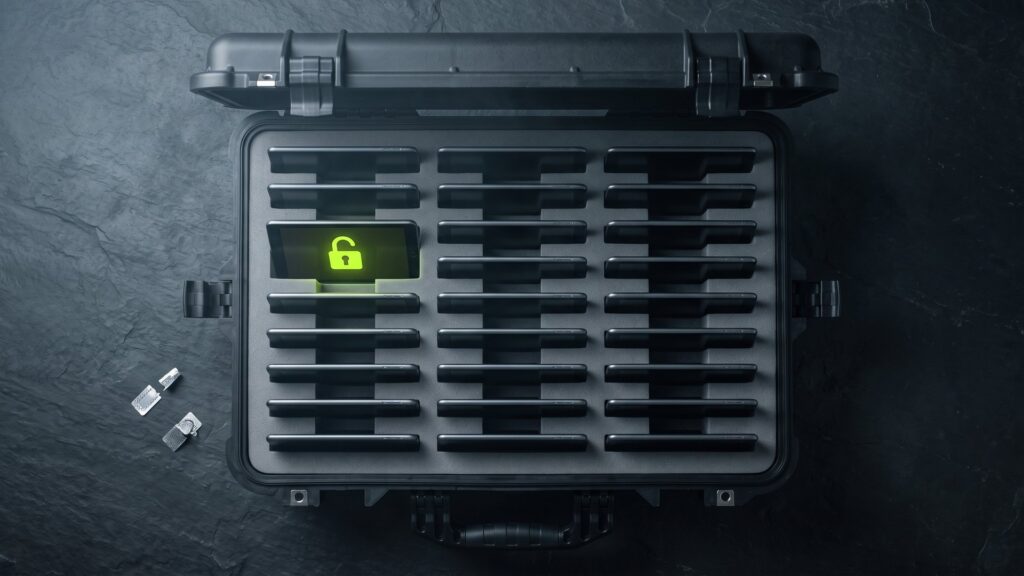
| Several smartphones and tablets | PELI Case | Two high-security seals per ISO 17712, up to 31 kg |
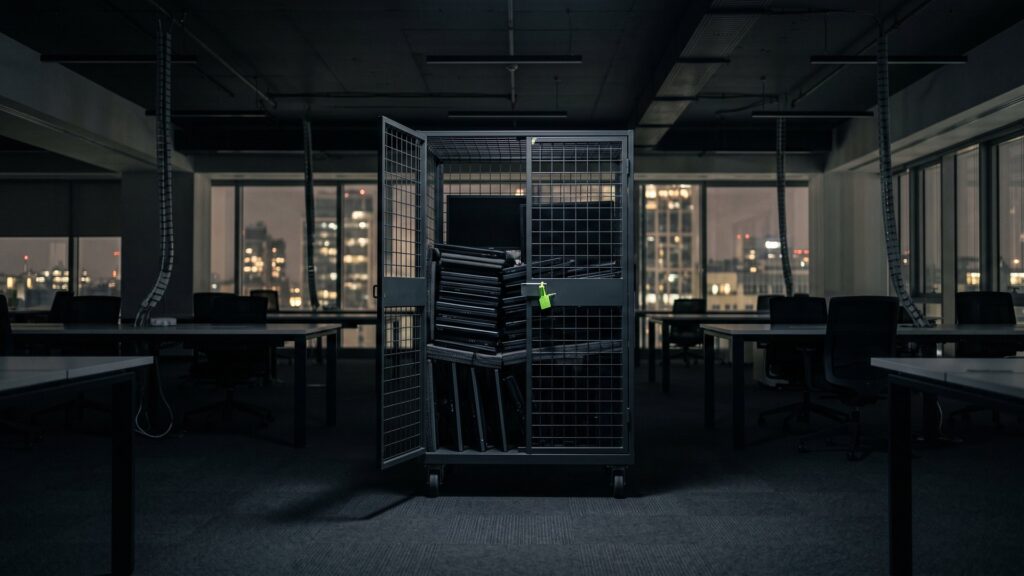
| Many devices at one site | Trolley | Lockable, up to 750 kg, freight pickup |
| Large quantities or sensitive areas | Direct pickup | No intermediate storage, GPS-monitored, sealed, insured |
For sites and large quantities, Second IT handles the secure on-site pickup. Each device is recorded by serial number on receipt. You can see the status in the customer portal.
What the handover record should contain
The handover record is the link between the personnel file and the inventory. It should be short but complete:
| Item | Purpose |
|---|---|
| Name, department, departure date | Assignment to the person |
| Device type, model, serial number | Unambiguous assignment to the inventory |
| Accessories (power adapter, docking station, headset) | Check completeness |
| Condition and known damage | Later assessment, clarifying liability questions |
| Status of accounts and locks | Proof that activation lock and personal accounts have been removed |
| Return route and tracking number | Tracking during shipping |
| Date and signatures | Confirmation by both parties |
For a return shipment, the tracking number replaces the IT signature at handover. IT should then countersign when the goods are received.
What the law says
Work equipment remains the property of the employer. According to the general view, employees must hand it over when the employment relationship ends; as a rule, there is no right of retention. Details such as the return deadline, shipping method, and liability for damage should be regulated in the employment contract or in an equipment loan agreement. For devices that were also allowed to be used privately, it must additionally be clarified how private data is backed up and removed. This article does not replace legal advice.
Special case: private use and personal devices
Two scenarios deserve special attention. First, company devices that were also allowed to be used privately. Private photos, messages, or accounts may be stored on the device. Give the person an opportunity to back up private data before leaving, and document this. Afterwards, the device is erased completely – private and business data alike.
Second, private devices that were used for work, often called "Bring Your Own Device". These devices stay with the person. However, your company must ensure that business data and access are removed, for example through a separate work profile in the MDM solution that is deleted on departure. It is best to regulate this when BYOD is introduced, not only at departure.
How to recognize a good offboarding process
- Return rate: How many issued devices come back within a defined period?
- Turnaround time: How many days pass between departure and erasure certificate?
- Completeness: Is there an erasure or destruction certificate for every returned device?
- Whereabouts: Is it documented for each device whether it was passed on, sold, or disposed of?
These metrics can be collected with a simple list. They quickly show where devices get stuck in the process.
Pass on, store, or remarket?
Not every returned device goes to a successor. Often it is older than the current device generation, or the position is not refilled. Then the question is: storage or remarketing?
- Internal reuse: makes sense for young devices. Erase in a certified manner beforehand and set up again.
- Storage: only with a plan. Devices lose value in storage every month and must be protected as long as data remains on them.
- Sale: makes sense for devices that are no longer planned for use. The proceeds flow back into the budget.
- Disposal: for defective devices with no market value, professionally and with documentation.
How to responsibly pass on retired laptops is described in our guide on Return used laptops.
How to resell returned devices without locks is shown in the article Selling company tablets without an MDM lock.
Data erasure: the part that is often missing
Many companies only reset returned devices. That may be enough for internal reuse, but not for sale or disposal. A formatted drive can be recovered with simple means. At Second IT, devices are erased with Blancco. You receive a digitally signed certificate for each device. More on erasure with a certificate.
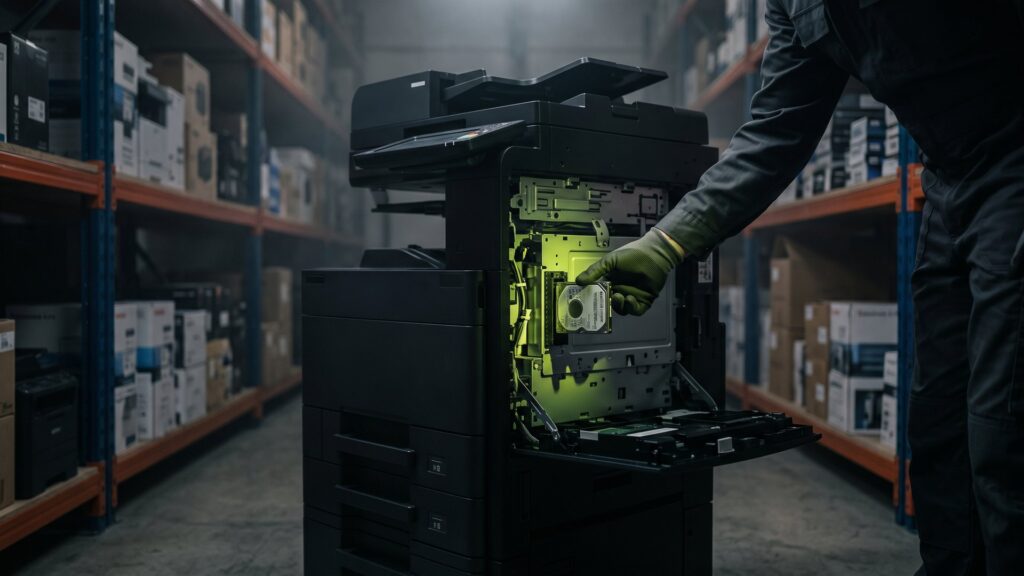
In addition, all delivered devices are specifically checked for additional storage media: USB sticks in laptop bags, memory cards in smartphones, forgotten external hard drives. More on the check for forgotten data carriers. Which records count in a data protection audit is explained in the article Disposing of data carriers in GDPR-compliant fashion.
Roles and responsibilities
| Role | Task in offboarding |
|---|---|
| HR department | Report the departure date, anchor the return in the exit process |
| Line manager | Ensure the handover of documents and knowledge |
| IT | Block access, book devices back in, order erasure |
| Data protection | Review the erasure concept and records |
| Purchasing or controlling | Book the remarketing and proceeds |
A common problem is that each department does its part, but nobody is responsible for the overall process. Define who closes out the departure from the IT perspective – and how to tell that it is complete.
More on the topic: Formatted is not deleted: Securely delete hard drives & SSDs and Test drive corporate phones: Data gone, lock gone, money returned.
Frequently asked questions about IT offboarding
What belongs in an offboarding checklist for IT?
Three areas: access, data, and hardware. Access to the directory service, email, VPN, and cloud is blocked. Business data is backed up and erased in a certified manner on the devices. All devices are booked back in by serial number and then passed on, sold, or disposed of.
How do I get devices back from the home office?
Ideally through a prepared return shipment. The person packs the device and ships it with a return label that you provide. For Apple devices, "Find My" must be deactivated beforehand. For larger quantities, sealed cases, trolleys, or a direct pickup are safer.
Do I have to erase returned laptops before passing them on?
Yes. Even for internal reuse, no data from the previous person should remain on the device. For sale and disposal, certified erasure with a certificate per serial number is the safe way. This allows you to prove in audits what happened to the data.
What do I do if a device does not come back?
Lock the device immediately via your device management and document the incident. Check with your data protection officer whether a reportable data breach has occurred. Clarify labor-law steps with your legal counsel. Clear rules in the employment contract prevent such cases.
Securely retrieve, erase, and remarket devices from offboarding?
Get in touch – from individual shipments to pickup of entire sites. You will receive your quote in 48 hours on average.