Skip to content

In many companies, there is a drawer somewhere full of old service phones. No one wants to throw them away; no one knows exactly what is inside, and for some, no one even knows the code anymore. These devices present two risks: privacy risk and financial loss. This guide shows how to safely delete mobile phone data, unlock activation locks, and clean up corporate phones.
The most important in a nutshell
- Company phones contain emails, contacts, chats, photos, and access data – often after a quick reset.
- The biggest value deterrent is not age, but an active activation lock („Where is?“ in Apple, Google account protection in Android) or an unreleased MDM binding.
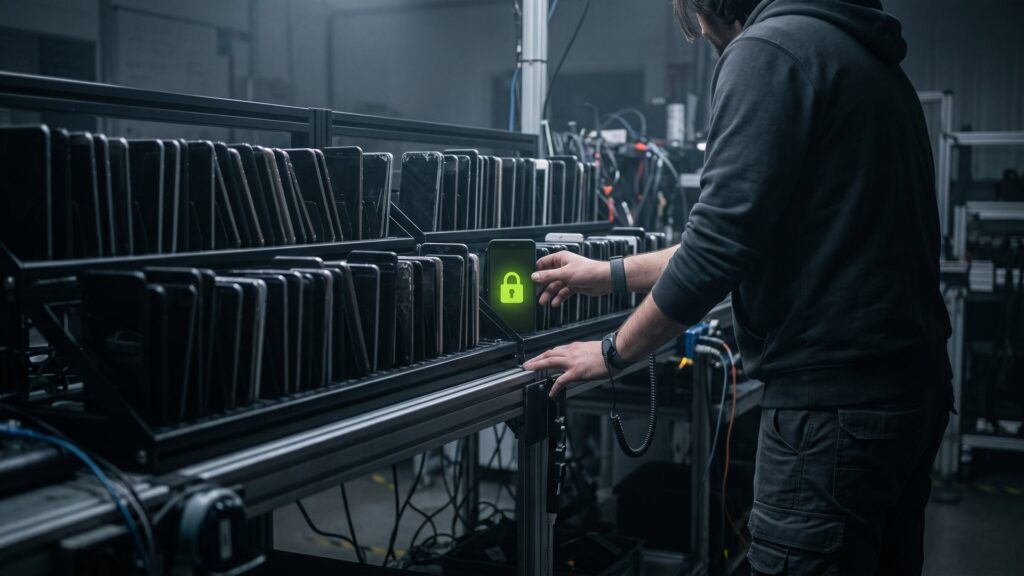
- One thing is certain: a certified wipe with a log for each device, such as with Blancco Mobile.
- Collect equipment with accessories and inventory lists – this saves time and increases revenue.
Why mobile phones are an underestimated risk
A smartphone today is a complete workplace in pocket size. It contains the mailbox, the calendar, customer numbers, chat histories, photos of whiteboards, and stored passwords. At the same time, mobile phones often change hands more frequently than laptops: with departures, contract renewals, or device upgrades.
If a device is passed on, sold, or disposed of without clean deletion, this data can end up in the wrong hands. GDPR applies to personal data. It requires that data be effectively deleted and that you can prove this.
Deleting mobile data: What the factory reset does – and what it doesn’t
Modern smartphones encrypt their storage. When resetting to factory settings, the key is usually discarded, which is intended to make the old data unreadable. That is a good start. However, there are still three problems for companies:
- No proof: The factory reset does not generate a log. In the audit, you cannot determine which device was deleted when and how.
- Different devices: Older models, special versions, or devices with outdated software do not always behave the same way.
- Human errors: With 200 devices, one quickly gets overlooked or placed in the carton prematurely.
Certified deletion closes these gaps. Second IT uses Blancco Mobile Diagnostics & Erasure for this purpose. The software checks the devices, deletes them according to a documented procedure, and creates a certificate for each device.
A factory reset wipes the phone clean. An erasure certificate protects your company.
Activation lock and MDM: the silent value destroyers
An iPhone that still has „Where is?“ enabled cannot be reset after resetting. Without the previous user’s Apple ID, it is practically worthless to a buyer. On Android devices, there is a similar protection: after a reset, the device requires the last Google account logged in.
It is similar for devices that are managed through a Mobile Device Management (MDM) solution. As long as a device is registered in your company's management system, it will log in there after resetting.
| Lockdown | How to recognize them | What you should do |
|---|---|---|
| Apple activation lock („Where is it?“) | After resetting the Apple ID | „Where is it?“ to deactivate before submission or remove the device from the account |
| Android account protection | After resetting the Google account | Log out of your Google account before resetting the device |
| MDM binding | Device logs on to the company management after resetting | Make available in the MDM console or in the Apple or Google enterprise program |
| SIM and eSIM binding | Mobile phone contract still active | Remove SIM, delete eSIM profiles, clear contract |
Our tip: Make the release a fixed step in the exit process. When an employee leaves the company, this is the easiest moment to unlock the lock.
Step by step: Cleaning up company mobile phones
- Record contents: Store the model, memory, serial number or IMEI, and the condition in a list.
- Data backup: Required data is transferred to the successor devices or into central systems.
- Blocking is lifted: „Where is it?“ or sign out of your Google account, and then grant device access to MDM management.
- Remove SIM cards and memory cards: Memory cards are their own data carriers and require their own deletion or destruction.
- Collecting: Best in original packaging with a charging cable and power adapter. Accessories increase the resale value.
- Send securely: Plated and documented to a certified service provider.
- Check the evidence: Compare and store the deletion certificates with your list.
How much are old company phones worth?
Flat prices would be misleading because the value depends on many factors. Roughly speaking:
- Model and age: The more current it is, the higher the value.
- Storage size: Larger storage units usually achieve better prices.
- Condition: Display, housing, and battery status play a big role.
- Suspension status: Locked devices lose most of their value.
- Accessories and quantity: Complete sets and larger quantities can be better marketed.
At Second IT, the valuation is based on a database-based price calculation using current market data. For devices with a defective display, our technicians assess whether a repair is worthwhile – this can significantly increase the revenue. More about Repair.
Shipping routes for smartphones and tablets
Depending on the quantity, Second IT offers three options:
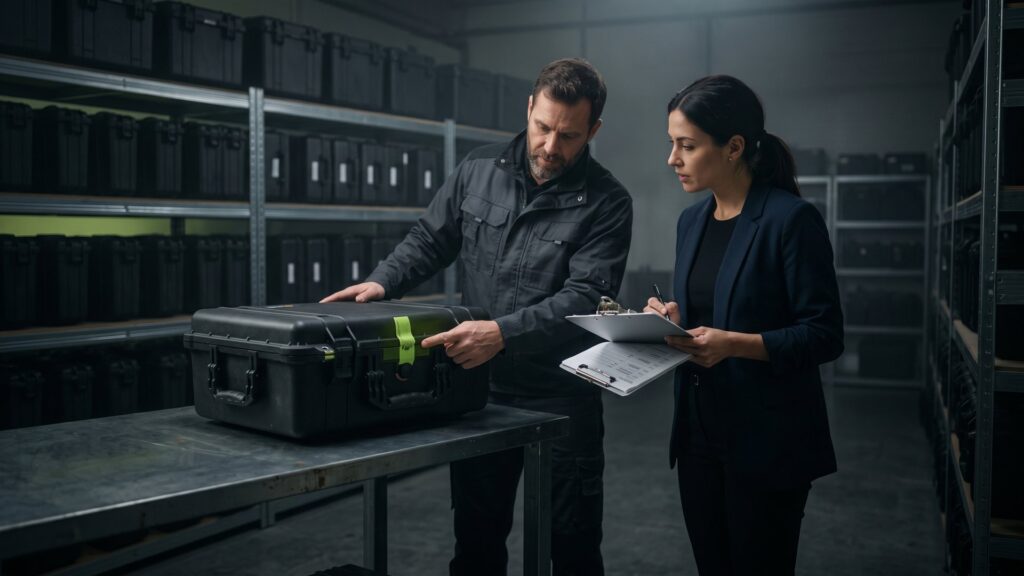
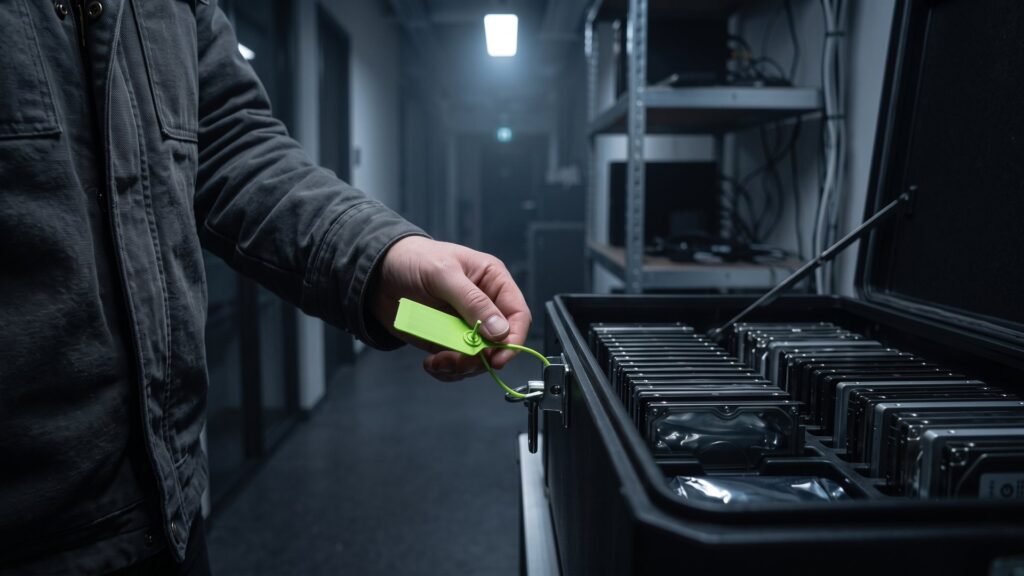
- Peli Case: Robust, waterproof and dustproof transport cases that we will send you. Each case comes with two high-security stamps in accordance with ISO 17712. Shipping is handled by DHL; the total weight must not exceed 31 kg. Details on the page PELI Cases.
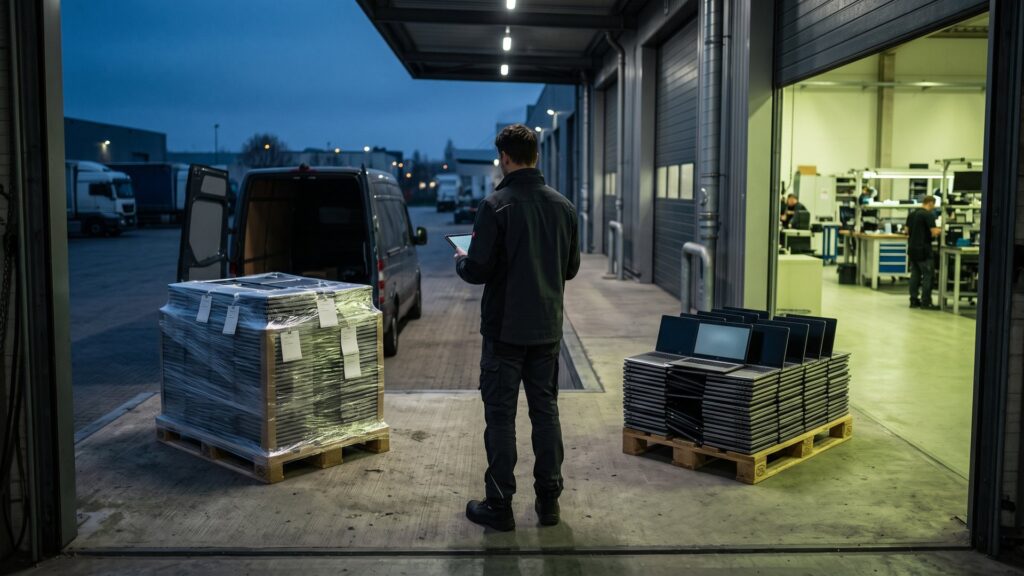
- Roll carts: For larger quantities, lockable, with a load capacity of up to 750 kg, picked up by freight forwarder. More information available here. Trolley.
- Individual shipping: For individual devices via DHL return service, for example from home office. See Individual shipment.
For each shipment, fill out an inventory list. This way, it is documented from the beginning which devices are on the way.
What happens to the devices afterwards
In the incoming goods department, each device is recorded and deleted after certification. Working smartphones are inspected, cleaned, and, if necessary, repaired and then re-marketed via our online shop secondbuy.de and our store in Schwäbisch Hall. Devices without a market value are properly recycled so that valuable raw materials can return into the cycle. More information can be found here. Waste disposal.
By the way: If your employees would like to continue using their old work phones privately, an organized employee sale is an option. In that case, the data must also be deleted in a verifiable manner beforehand.
A fixed rule for HR and IT
Most problems with old service phones do not arise in the technology itself, but in the organization. An employee leaves the company, hands in their phone at the reception on the last day – and no one feels responsible. Weeks later, the code is forgotten and the activation lock is still active.
A simple rule in the exit process prevents this:
- Human Resources Department: The device will only accept items with the lock removed and the handover documented.
- Employees: Deletes private accounts, secures their own data, and disables „Where is?“ and the Google account.
- IT: When the device is free in MDM management, it removes the SIM and storage cards and places them in the secure collection container.
The same applies to tablets. They are often used as presentation or checkout devices and are less often on the IT radar, even though they store data in the same way.
Frequently asked questions about company phones
Is it enough to reset a company phone to factory settings?
With current encrypted devices, a factory reset usually renders the data unreadable. However, companies lack proof of when which device was deleted. Furthermore, older models do not always behave the same way. A certified deletion with a log for each device significantly better fulfills the obligation to provide proof under the GDPR.
What happens to iPhones where „Where is?“ is still active?
These devices cannot be reset after resetting because the activation lock is in effect. For a buyer, they are hardly usable, and revenue drops significantly. Therefore, deactivate „Where is?“ before handing over the device or remove the device from the Apple account. For managed devices, the release is handled via your MDM solution.
Do I have to treat storage cards and SIM cards separately?
Yes. Memory cards are their own data carriers and are not automatically recorded when a device is deleted. Please remove them and delete or destroy them. SIM cards belong to the mobile phone contract and should be removed before shipping. Delete eSIM profiles in the device settings.
From how many devices does a service provider become worthwhile?
Even for smaller quantities, an offer is worthwhile because the proceeds often cover the costs. For individual devices, there is individual shipping, for medium quantities PELI cases, for large quantities roll trolleys or a pickup service. What matters less is the quantity than the desire for a clean proof.
Can employees buy their old work phone?
Yes, employee sales are possible and popular among many employees. The important thing is that the device is first verified to be deleted and removed from the company’s administration. Second IT offers employee sales as part of the purchase. This way, the data deletion is documented, and your company does not have to organize the sale itself.
Old service phones? We delete them and buy them again.
Send us a list of models and quantities. You will receive your quote within an average of 48 hours.