Skip to content

Trash emptied, drive formatted, Windows reinstalled – and yet data can still be found on many outdated corporate computers. The reason: Formatting only removes the index, not the content. Here you read how to safely delete any hard drive in your company – SSDs included – and why proofing is just as important as the deletion itself.
The most important in a nutshell
- Deleting, formatting, and resetting usually only remove references to data. The data itself often remains reconstructable.
- With SSDs, there is also the added benefit that the memory distributes data internally. This means that classic overwriting does not reach every cell.
- Deletion is guaranteed with tested software that also detects hidden areas (HPA, DCO) and verifies the result.
- For companies, the document is important: a certificate of destruction for each data carrier with a serial number, procedure, and result.
Why formatting isn't enough
Imagine a hard drive as a library. When you delete it or perform a quick format, only the catalog is discarded. The books remain in the shelves – only the operating system no longer knows where to put them. With freely available recovery programs, the contents can often be put back together again.
Even resetting to factory settings is not a reliable substitute. Depending on the device, operating system, and encryption, it can work well or poorly. The problem for companies: They cannot prove it afterwards.
Formatted means: The table of contents is gone. Deleted means: The data is gone – and you can prove it.
HDD and SSD: two technologies, two problems
Magnetic hard drives (HDD)
With classic hard drives, data is stored on rotating discs. Safe deletion means here: overwriting every addressable sector with a pattern and then checking whether the overwriting was successful. Two things are often forgotten:
- HPA (Host Protected Area): An area that the manufacturer or software can hide before the operating system is installed, for example for recovery data.
- DCO (Device Configuration Overlay): A setting that artificially reduces the visible capacity of a disc. The rest is invisible to normal programs.
In addition, there are so-called remappable sectors: areas that the disk has discarded due to defects. Old data may also be present there.
SSD's and flash storage
SSD’s work in a completely different way. An internal controller distributes writes evenly across all memory cells, so that they do not wear out prematurely (wear leveling). Additionally, each SSD has reserve areas that are not visible to the outside world. Therefore, anyone who simply overwrites an SSD with zeros does not reliably detect every cell.
Secure deletion on SSDs therefore uses commands that the controller itself executes, such as Secure Erase or Sanitize. Good deletion software controls these commands according to the model, checks the result and documents it.
| Method | What is happening? | Suitable for businesses? |
|---|---|---|
| Delete files / empty the trash | Only references are removed | No |
| Quick formatting | New file system, old data remains | No |
| Factory settings | Different levels of thoroughness depending on the device, without proof | Only limited, no proof |
| Freeware overachiever | Overwrites visible areas, often without HPA/DCO and without logging | Risky |
| Certified deletion software | Overrides or uses controller commands, checks the result, creates certificate | Yes |
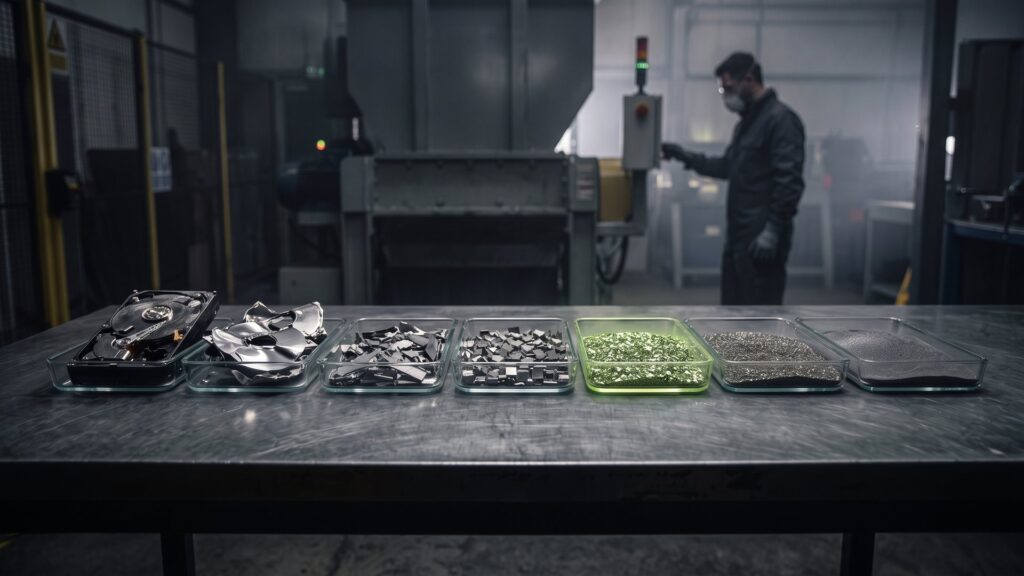
| Physical destruction according to DIN 66399 | Data carrier is crushed | Yes, especially with defective media |
What standards are there?
There is no single German standard for deletion that regulates everything. In practice, several references have established themselves:
- NIST SP 800-88: The US standardizing institute’s directive distinguishes between „Clear“, „Purge“ and „Destroy“ and describes which method is suitable for which data carrier.
- DoD 5220.22-M: An older, multiple-bid process that is often still in use in tenders.
- BSI IT Basic Protection: The CON.6 component „Delete and Destroy“ describes how organizations structure the topic.
Much more important than choosing a method is ensuring that the software used is tested, the result verified, and that every process is recorded in a traceable manner.
Why we rely on Blancco
Second IT is a Blancco ITAD Gold Partner. We delete using the Blancco Drive Eraser software, which according to the manufacturer supports over 25 erasing standards and has been certified or recommended by more than 14 government agencies worldwide – including the Federal Office for Information Security (BSI) and NATO.
For you, what matters most is what the software actually does in practice:
- It detects hidden areas such as HPA and DCO as well as remaped sectors, highlights them, and deletes them.
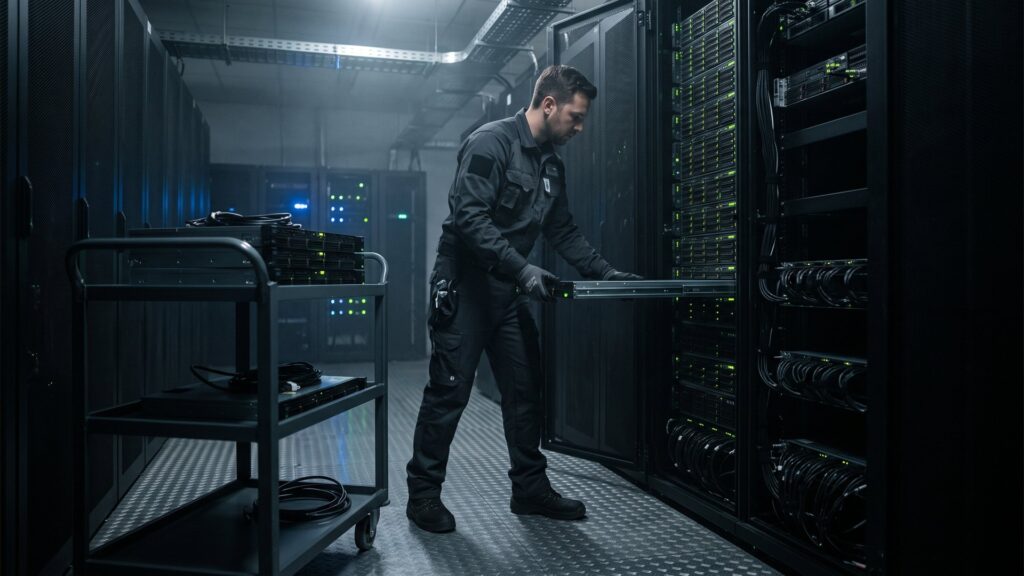
- It supports HDDs and SSDs in laptops, PCs, and servers. There is the LUN Eraser for storage systems, and a separate mobile solution for smartphones and tablets.
- It creates a file after each operation. digitally signed deletion certificate for each individual device – with information about the deletion duration, the deletion algorithm and the number of overwrite operations.
More about it on our page Blancco.
What a good fire certificate contains
The certificate is your proof to data protection officers, auditors and supervisory authorities. Please note the following information:
- Manufacturer, model and Serial number of the data carrier
- Serial number or identification number of the device in which it was installed
- Used method of disposal or standard
- Date, time and duration of the deletion
- Result of the verification: successful or failed
- Indications for hidden areas and their treatment
- Digital signature to prevent the document from being modified later
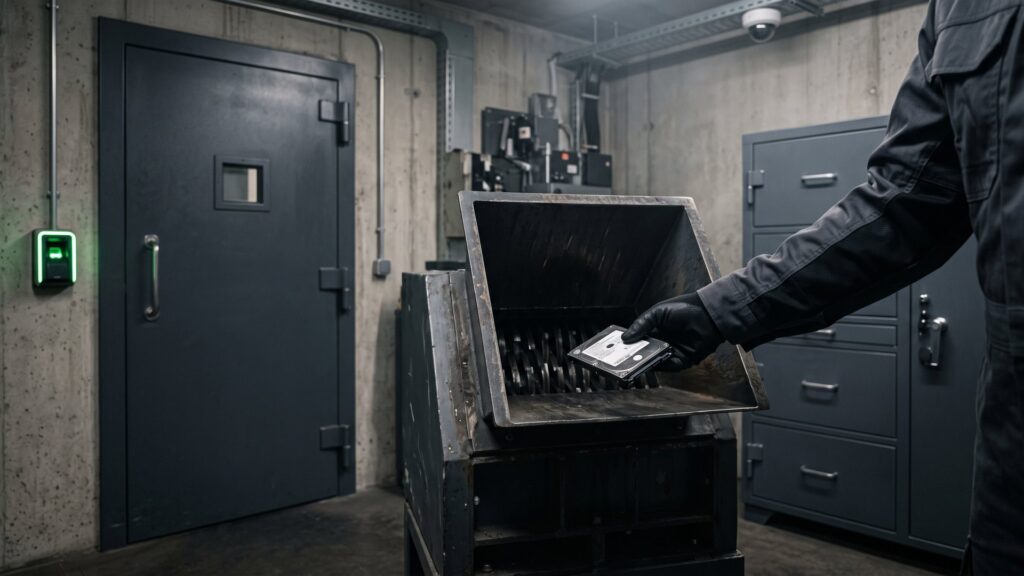
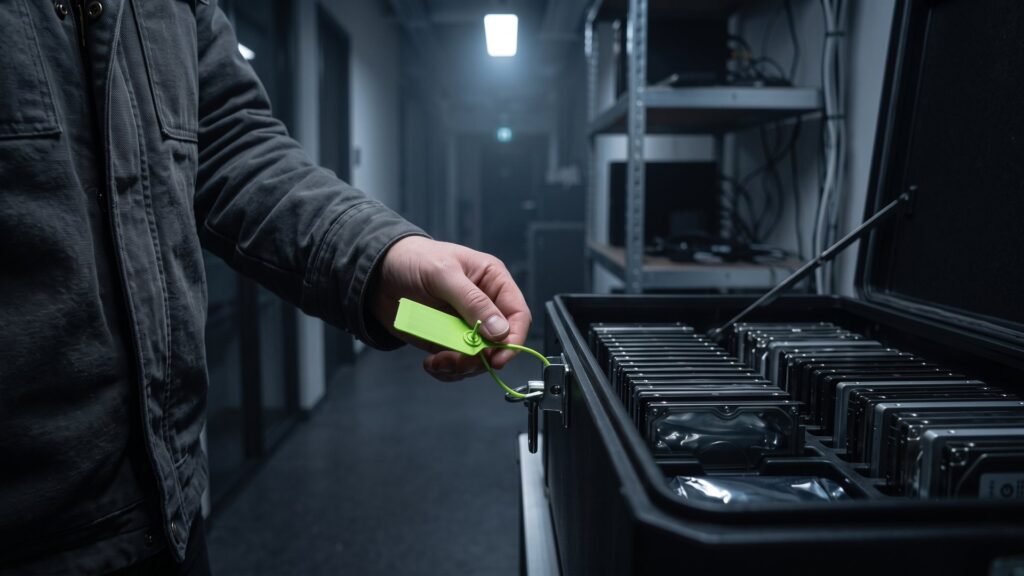
Failed deletions are also documented. At Second IT, data media that cannot be deleted in a technically reliable manner are destroyed in-house in accordance with DIN 66399. More about this on our page on Data carrier destruction.
Delete it yourself or use a service provider?
For individual computers, the IT department can delete them itself – provided that software, time, and a clean log are available. For larger quantities, hiring a specialist is worthwhile for three reasons:
- Time: An erasure process can take hours depending on the size and method used. With a hundred devices, this involves a significant amount of time and personnel.
- Gaps: Lost data drives – a USB stick in the docking station, a second disk in the server – are quickly forgotten in everyday business life.
- Value: Cleanly deleted devices can be resold. The proceeds can cover or exceed the costs of the deletion.
This is how the certified deletion process works at Second IT
- Equipment list and offer: They send us a list. You will receive a quote within an average of 48 hours.
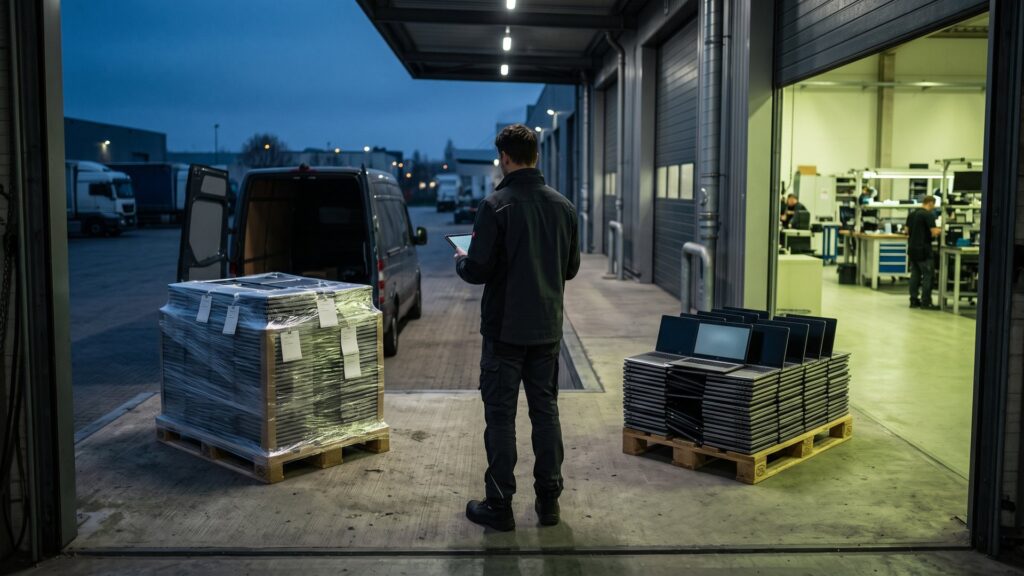
- Secure pickup: Direct trip without intermediate storage, GPS-tracked, insured and covered by insurance.
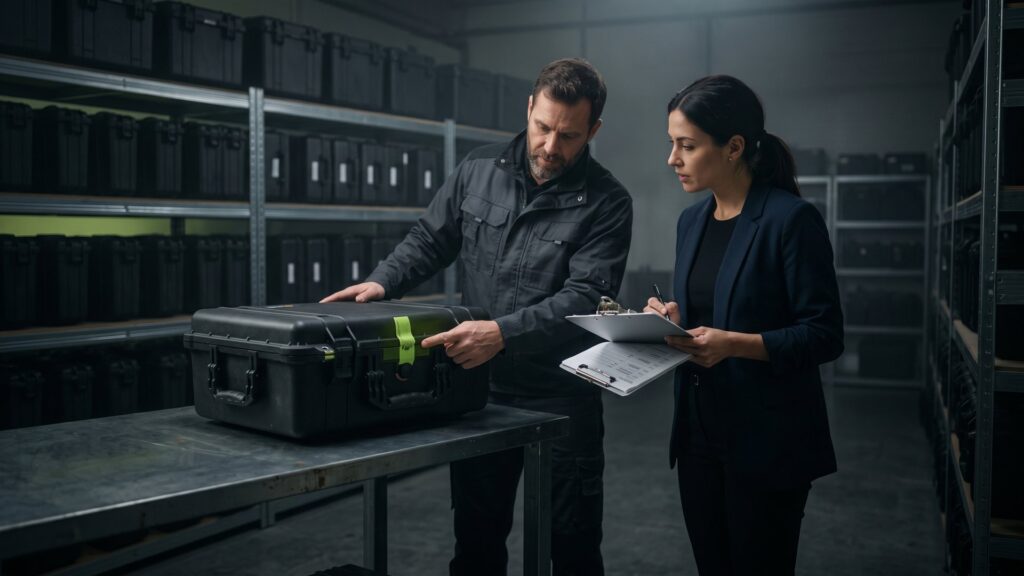
- Incoming goods: Each device and data carrier is identified by its serial number. You can view the status in the customer portal.
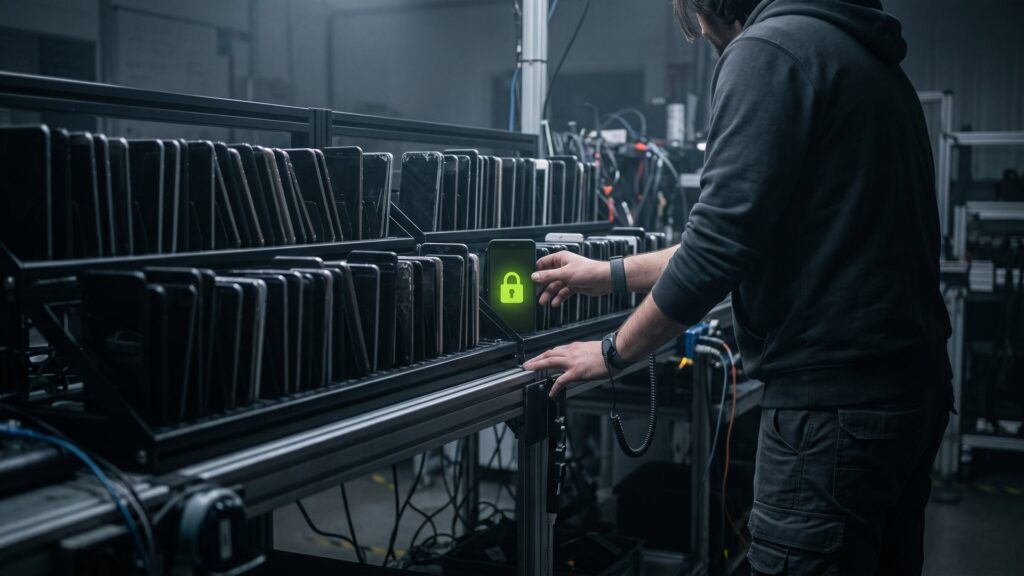
- Deletion: Certified deletion with Blancco, automated and monitored. For this, we rely on green electricity, including from our own solar system with around 100 kWp.
- Evidence: You will receive a digitally signed deletion certificate per device.
- Re-use: Deleted devices are prepared for reuse and resold. Non-erasable data carriers are destroyed in accordance with DIN 66399.
In total, we have already safely deleted around 500,000 TB of data. Details about the process can be found here. Data deletion.
Frequently asked questions about safe deletion
How can I completely and safely delete a hard drive?
To completely erase a hard drive, you must use verified erasing software that overwrites all areas and controls the result. This includes hidden areas such as HPA and DCO. Formatting or factory settings are not sufficient. For companies, it is also necessary to document each deletion with a certificate.
Can you delete an SSD the same way you delete an HDD?
Not quite. SSDs distribute data internally among storage cells and have invisible reserve areas. Therefore, simple overwriting does not reliably reach all cells. Secure deletion uses commands such as Secure Erase or Sanitize on SSDs, which the controller itself performs. Professional software selects the appropriate method based on the model and checks the result.
How often must a hard drive be overwritten?
In modern hard drives, a complete, verified overwriting process is considered sufficient, provided that all areas are really covered. Multiple overwrites originate from older standards and are sometimes still required in specifications. What matters less is the number of passes than the testing and documentation of the result. The delete certificate indicates the number of overwriting operations.
What happens to hard drives that cannot be erased?
Defective data media cannot be reliably overwritten. Therefore, at Second IT they are physically destroyed in-house, in accordance with DIN 66399 with security level H-5. For this, they receive a destruction certificate with a serial number. This ensures that each device is handled in a verifiable manner, regardless of its initial condition.
Is deletion required by BSI?
There is generally no legal requirement for companies to comply with a specific BSI procedure. However, the GDPR requires that personal data be effectively deleted and that you can prove this. BSI Basic Protection and DIN 66399 serve as recognized standards in this regard. Authorities and operators of critical infrastructure often have their own, stricter requirements.
Deleted securely – with a certificate for each device.
Send us your list of devices. We pick them up, delete them with Blancco, and buy usable devices. Offer within an average of 48 hours.