Skip to content

„Please destroy in accordance with DIN 66399“ – this phrase appears in many tender documents and privacy protection plans. However, few people know exactly what it means. This guide explains the standard in plain language and shows which protection class and security level your hard drives, SSDs, and smartphones really need.
The most important in a nutshell
- DIN 66399 regulates how small data carriers must be shredded so that no one can reconstruct the data.
- It works with three components: Protection class (How sensitive are the data?), Material class (Which data carrier?) and Security level (How finely is it crushed?).
- For personal data on hard drives, protection class 2 is usually adequate in companies – in practice, security level H-4 or H-5 is often chosen.
- Without a destruction certificate with serial numbers, the most important standard level in an audit is of little value.
What is DIN 66399?
DIN 66399 is the German standard for the destruction of data carriers. It describes how paper, hard drives, SSDs, USB sticks, optical media and magnetic tapes must be physically destroyed so that the stored information cannot be recovered. The standard replaces the previous DIN 32757, which only covered paper in a meaningful way.
The standard consists of three parts:
- Part 1 – Basics and terms: Protection classes, material classes and safety levels.
- Part 2 – Requirements for machines: What particle sizes a shredder must achieve.
- Part 3 – Process of data carrier destruction: How the entire process from pickup to verification should be organized.
Particularly Part 3 is often underestimated. A shredder that produces fine particles is of little use if the hard drives are left unopened in a warehouse for days beforehand.
The three components of the standard
Anyone who wants to use DIN 66399 must answer three questions in sequence. Only when all three have been clarified does the appropriate level of destruction result.
1st protection class: How serious would a data leak be?
The protection class describes the protection needs of the data. It is a decision of the company, not of the service provider.
| Protection class | Need for protection | Typical examples |
|---|---|---|
| Protection class 1 | Normal – a leak would have limited consequences | Internal circulars, general documents |
| Protection class 2 | High – a leak would have significant consequences, even legally | Personnel data, customer data, offers, contracts |
| Protection class 3 | Very high – a leak could be life-threatening or endanger life and limb | Research data, patient data, data requiring confidentiality |
Since personal data – emails, contacts, personnel files – are stored on almost every company computer, most companies store them on at least protection class 2 hard drives.
2. Material class: Which data carrier is available to you?
Because a hard disk is constructed differently than a sheet of paper, the standard distinguishes six material classes. Each has its own letter:
- P – Paper, films, printing plates
- F – Microfilms and films
- O – optical data carriers such as CDs and DVDs
- T – magnetic data carriers such as floppy disks, magnetic tapes and magnetic strip cards
- H – Hard drives with magnetic storage media (HDD)
- E – electronic data carriers such as SSDs, USB sticks, memory cards and chip cards
Important for IT: A classic HDD belongs in Class H, an SSD in Class E. The reason is the data density. Massive amounts of data can be stored on a tiny flash chip, which is why SSD particles must be significantly smaller than hard drive particles.
3rd safety level: How finely is the material crushed?
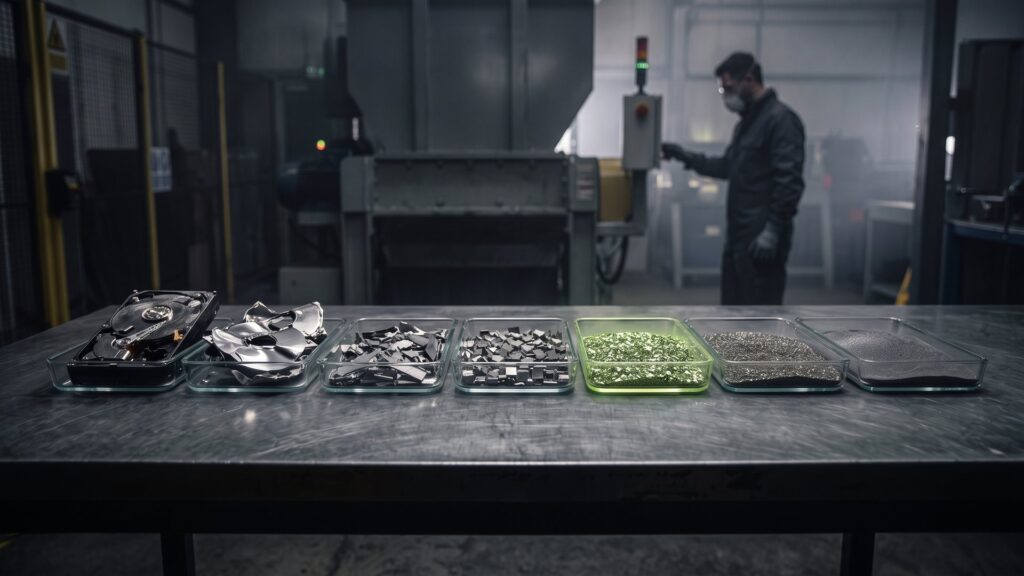
The standard has seven safety levels. The higher the level, the smaller the particles and the greater the effort required for reconstruction. For hard drives (material class H), this looks like this:
| Level | Requirement for hard drives (H) | Requirement for SSD & Flash (E) |
|---|---|---|
| H-1 / E-1 | Data carrier is inoperable | Data carrier is mechanically or electronically inoperable |
| H-2 / E-2 | Functional parts damaged | Data media shared |
| H-3 / E-3 | Data carrier deformed | Particles ≤ 160 mm² |
| H-4 / E-4 | Multiple deformed and fragmented, particle size ≤ 2,000 mm² | Particles ≤ 30 mm² |
| H-5 / E-5 | Particles ≤ 320 mm² | Particles ≤ 10 mm² |
| H-6 / E-6 | Particles ≤ 10 mm² | Particles ≤ 1 mm² |
| H-7 / E-7 | Particles ≤ 5 mm² | Particles ≤ 0.5 mm² |
For comparison: 320 mm² corresponds roughly to the area of a postage stamp. A hard drive that was destroyed after H-5 thus consists only of many small, bent metal pieces.
Note: You determine the protection class. The material class is determined by the device. This determines the safety level – not the other way around.
Which combination is the right one?
The standard assigns each protection class to a range of safety levels:
- Protection class 1: Security levels 1 to 3
- Protection class 2: Security levels 3 to 5
- Protection class 3: Security levels 4 to 7
For the practice, this means that a hard drive containing customer or personnel data falls into Protection Class 2. The levels H-3 to H-5 would be permissible. Many data protection officers deliberately choose H-4 or H-5 because the additional costs are low and the discussion about it does not even arise in the audit. H-5 also covers Protection Class 3.
With SSDs, the situation is more strict. An SSD that has only been fragmented to a H level can still contain intact memory chips. Therefore, you always need an E level for flash storage.
Destroy or delete? The honest answer
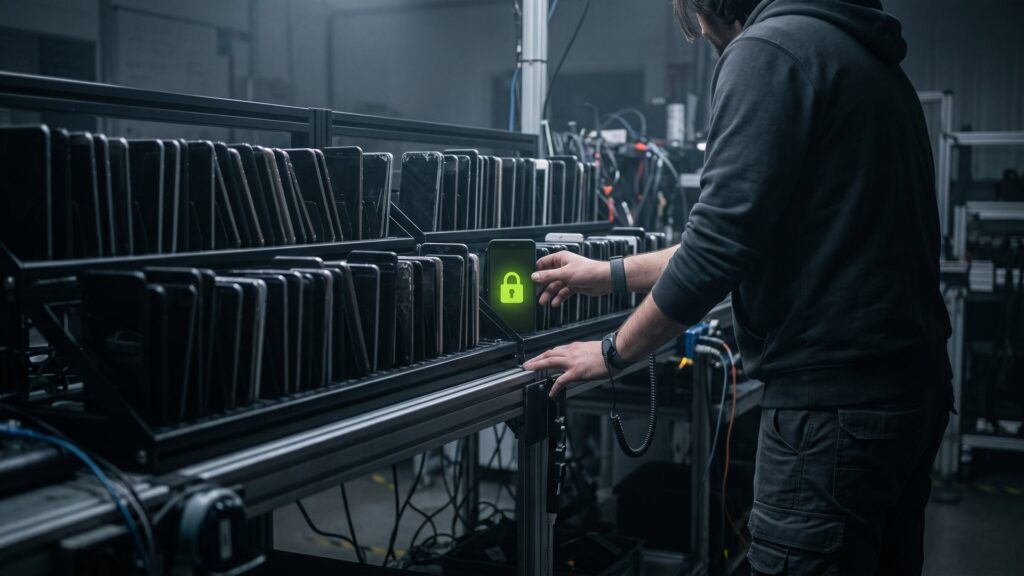
DIN 66399 describes physical destruction. However, it is not the only safe method. Functional hard drives and SSDs can be overwritten with certified software so that no data can be reconstructed – and the device remains usable.
| Criterion | Certified deletion | Destruction according to DIN 66399 |
|---|---|---|
| Then it becomes usable | Yes, resale possible | No |
| Revenue for your company | Possible | Only material value |
| Suitable for defective data drives | No | Yes |
| Proof | Certificate of destruction by serial number | Certificate of destruction per serial number |
| Environmental footprint | Better because it can be reused | Recycling of raw materials |
A sensible standard for many companies is therefore: Certified data carriers that are functional are deleted; defective or non-erasable data carriers are destroyed in accordance with DIN 66399. To learn how to safely delete data, read our page on deleting data. certified data deletion.
What you should look for in a service provider
„We destroy according to DIN 66399“ quickly appears on a website. Therefore, please check these points:
- What level exactly? Let’s call the security level for hard drives (H) and for flash storage (E) separately.
- Certificate: Has the destruction been verified by an independent authority? Ask for the certificate and its expiration date.
- Place of destruction: Is it held in-house or is it passed on to subcontractors?
- Transport chain: How do you ensure that the data carriers are destroyed – destroyed in a sealed manner, directly, and in a way that can be traced?
- Evidence: Do you receive a destruction certificate with the serial numbers of each individual data carrier?
- Storage: Where and how will the data carriers be stored until they are destroyed?
This is how the destruction at Second IT works
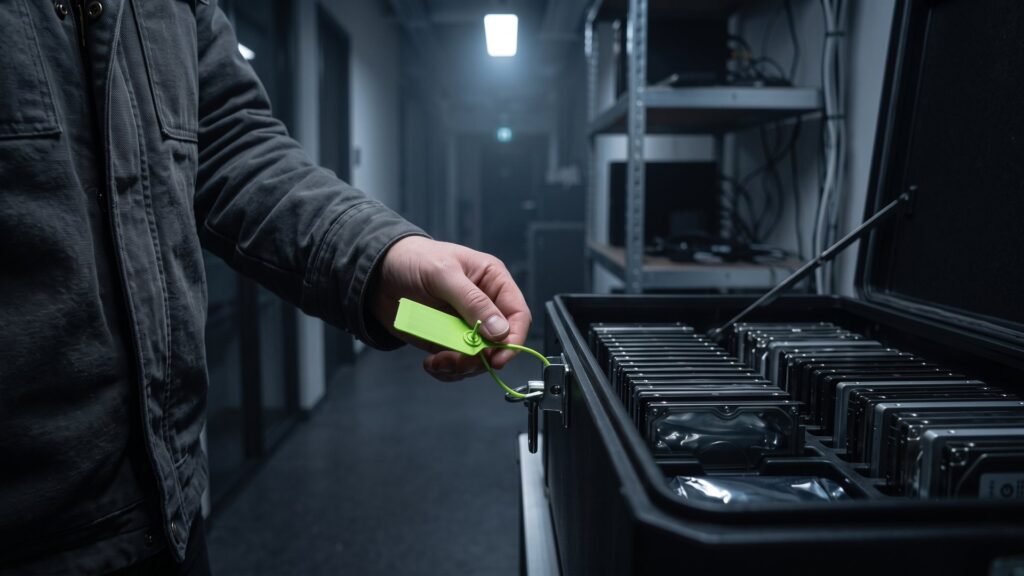
- Pick-up: Our own security logistics picks up the devices – as a direct trip without intermediate storage, GPS-controlled, packed and insured.
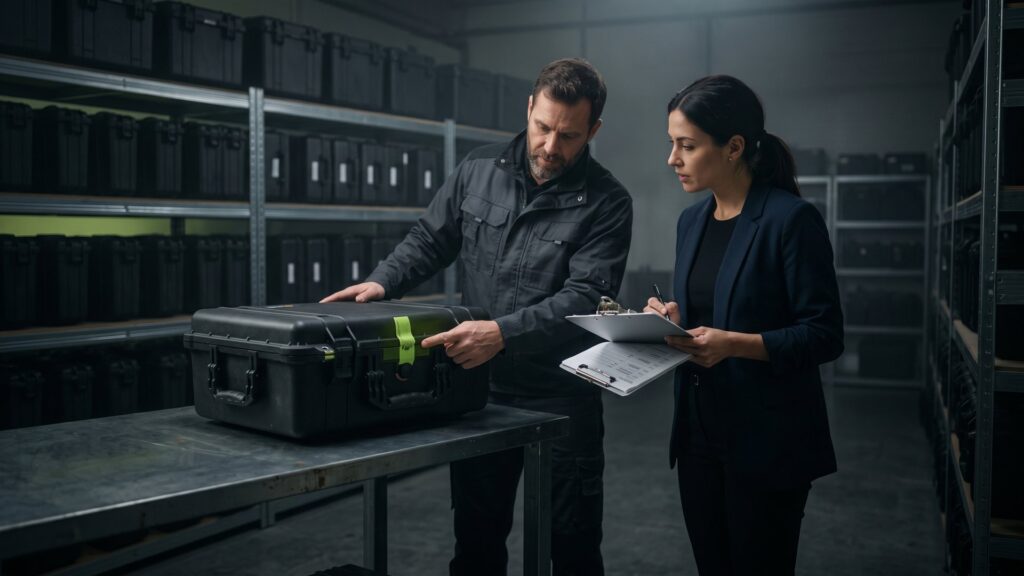
- Recording: Each data carrier is registered with its serial number. Hidden media such as forgotten USB sticks or hard drives in server enclosures are also searched for.
- Safe storage: Until destruction takes place, the data carriers are located in security zones with access control.
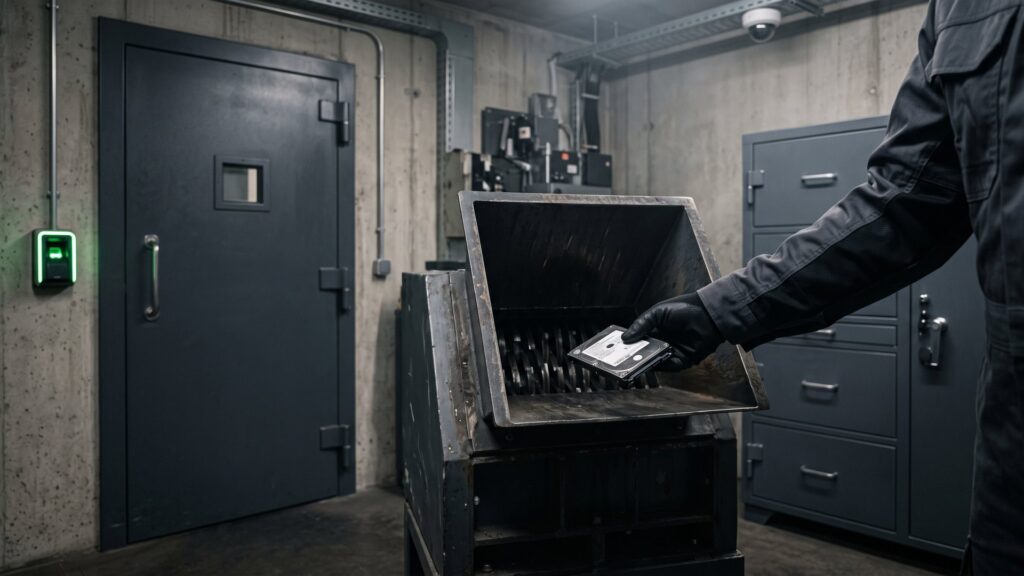
- Destruction in one's own home: Our shredders operate in accordance with DIN 66399 and are certified for safety level H-5. The area is monitored by video cameras around the clock.
- Evidence: You receive a destruction certificate with serial numbers – auditable and suitable for your documentation in accordance with the GDPR.
- Recycling: The particles are separated according to materials; metals and plastics are returned to the raw material cycle.
We have already destroyed around 120,000 data carriers in this way. More details can be found on the page dedicated to this topic. Data carrier destruction, All the evidence is available under Certificates.
Typical errors from practice
- Drill hole instead of standard: A few holes in a hard drive at best meet H-2 level. Parts of the disk remain readable.
- SSD treated like HDD: Anyone who roughly shreds SSDs may leave entire memory chips intact.
- No proof for any device: A collective confirmation that „30 kg of hard drives have been destroyed“ is of little help in the audit.
- Functioning devices are unnecessarily destroyed: Whoever shreds everything is giving away the proceeds and is worsening their own ecological footprint.
Frequently asked questions about DIN 66399
Which safety level according to DIN 66399 do I need for hard drives containing personal data?
Personal data in companies usually require high protection, i.e., protection class 2. The standard allows for security levels H-3 to H-5 for this purpose. In practice, many data protection officers choose H-4 or H-5 to be on the safe side. The final decision is made by your company based on its own risk assessment.
What is the difference between H-5 and E-5?
H stands for hard drives with magnetic discs, E for electronic data carriers such as SSDs and USB sticks. In the case of H-5, the particles must be no larger than 320 mm². In the case of E-5, they must be no larger than 10 mm². The difference results from the data density: On flash chips, very many data are stored on a small area. Therefore, SSDs have to be crushed more finely.
Is it enough to drill a hard disk or destroy it with a hammer?
No. A drill hole or hammer strike only damages parts of the discs. With laboratory procedures, data can sometimes be read from the undamaged areas. According to DIN 66399, this at best corresponds to the lower safety levels. Furthermore, there is no proof that you can present in the audit.
Do I always have to destroy the data carriers, or can I also delete them?
The GDPR does not prescribe a specific procedure, but a result: The data must not be recoverable, and you must be able to prove this. Functional data carriers can be securely deleted and subsequently reused using certified software. Defective or non-recoverable data carriers should be destroyed in accordance with DIN 66399.
What proof should I receive after the destruction?
You should receive a destruction certificate that lists every data medium with a serial number. This includes information about the procedure, the security level, and the date. Keep this proof along with your order processing documents. This way, you can show what happened to which device at any time during inspections.
Have data carriers destroyed safely – with proof of each serial number.
Send us your list of devices. You will receive a quote within an average of 48 hours that combines deletion, destruction, and purchase in a meaningful way.